
EduPanels GlobalInteractive display systems for education, training, and business.
App-style entry experience

Interactive display solutions in a rolling visual showcase.

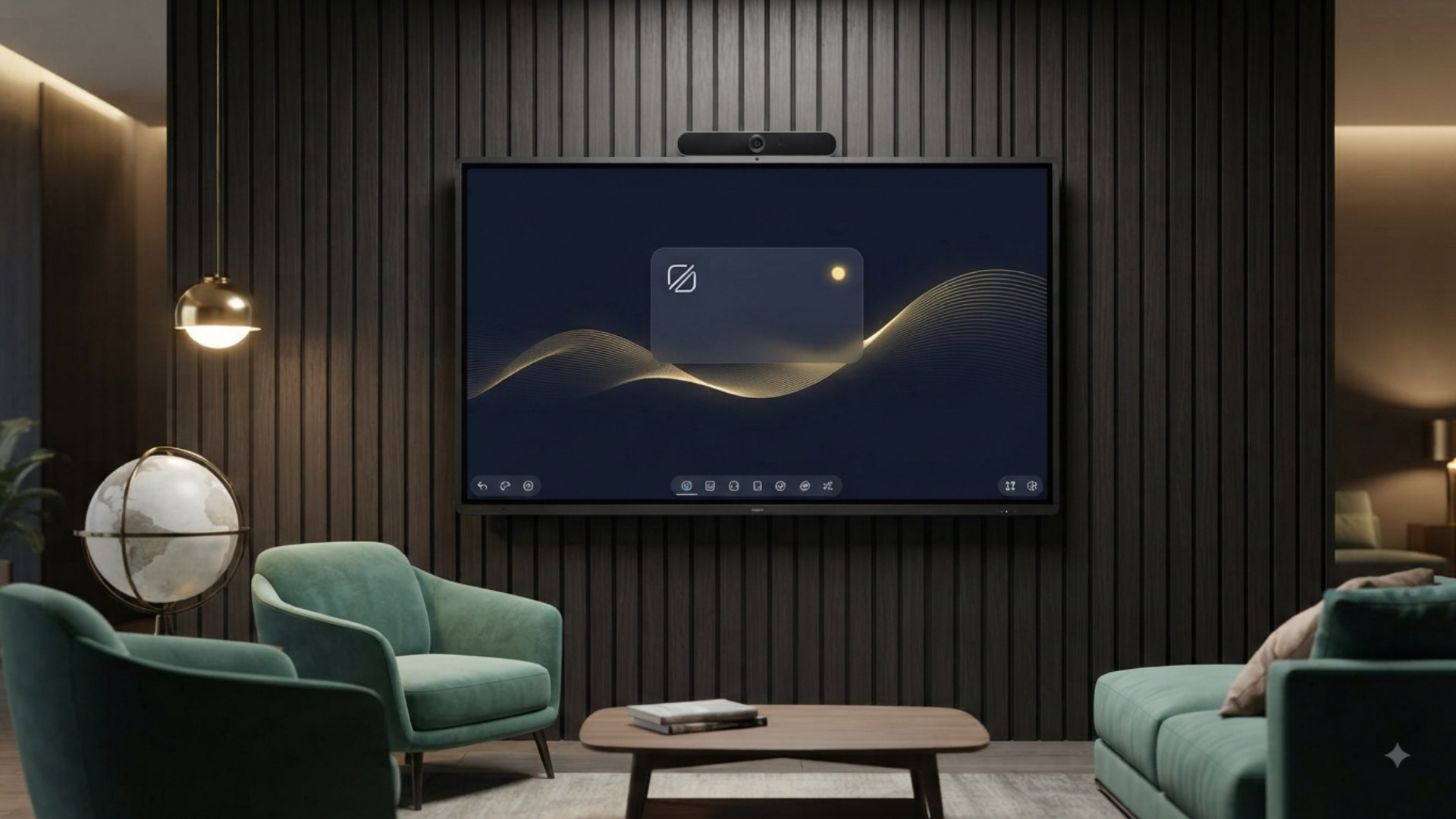
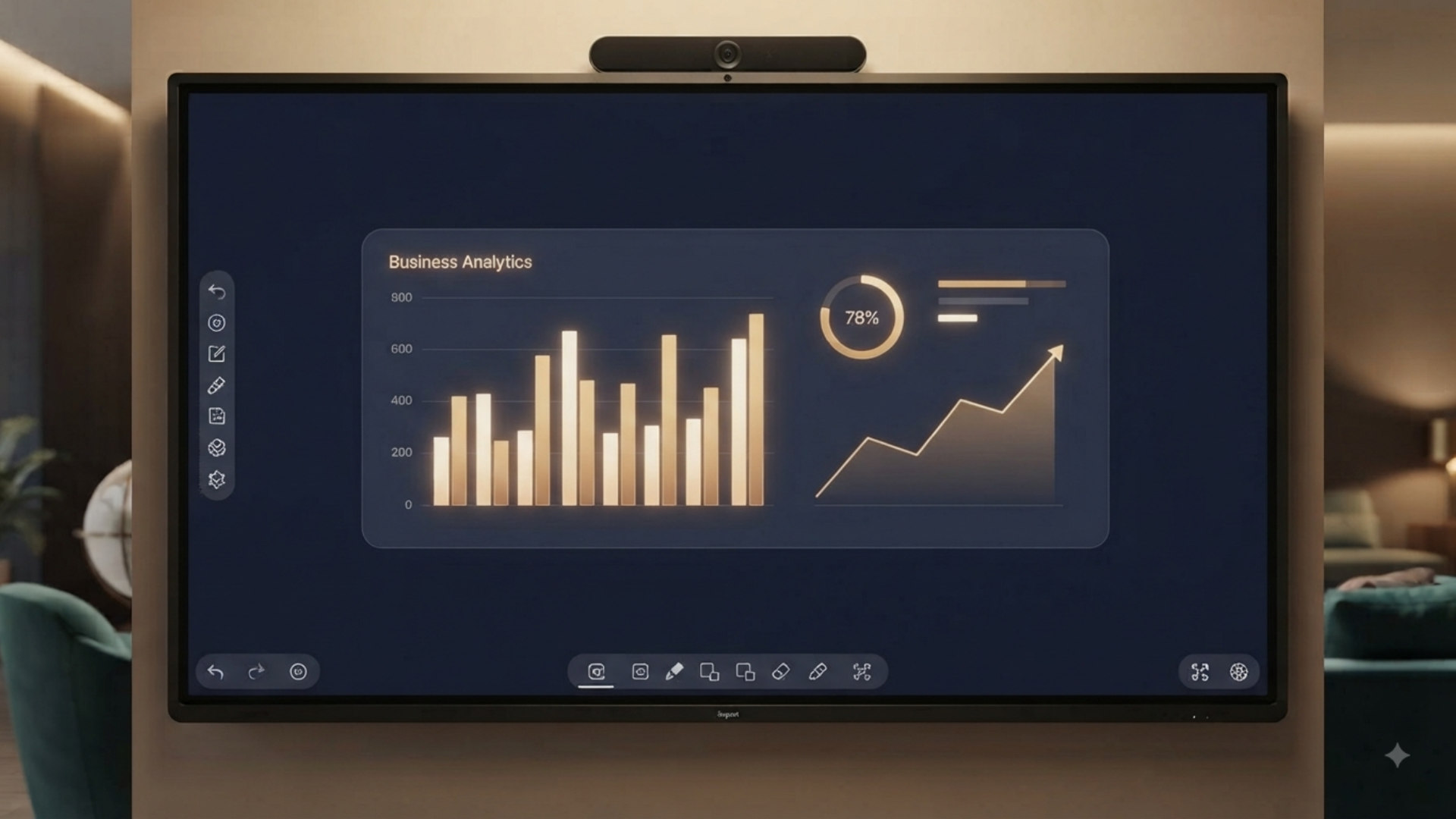
Visitors now arrive through a branded launch moment, move through AI product scenes, and then continue into the globe experience and the full EduPanels website below.

PanelsInteractive boards for classrooms and collaboration.
KiosksSelf-service, touch, and freestanding product lines.
SignageDigital menu, A-board, portable, and wall-mounted displays.
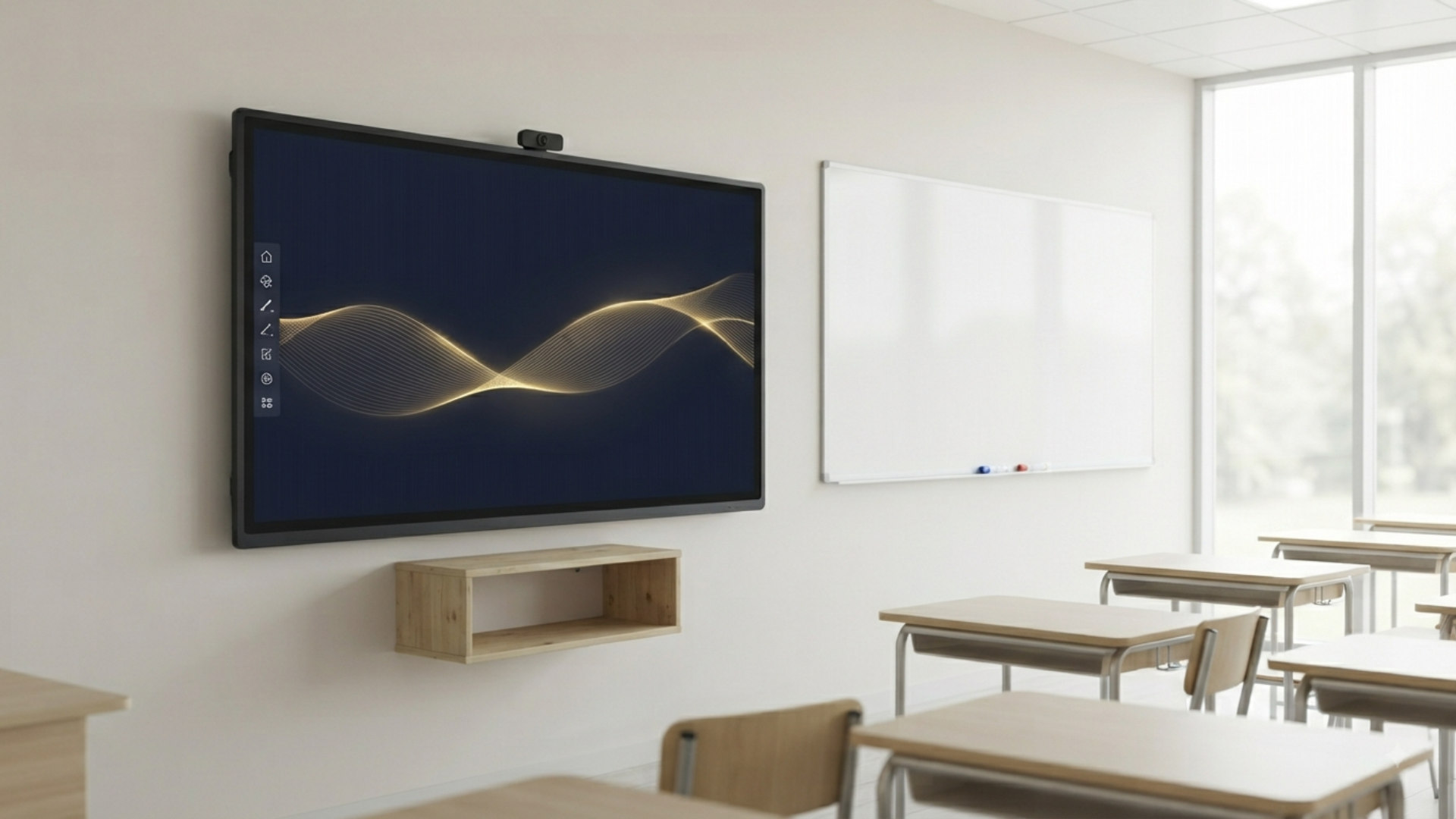
IR touch panels in a premium classroom
IR Touch Panels Interactive teaching and presentation spaces.
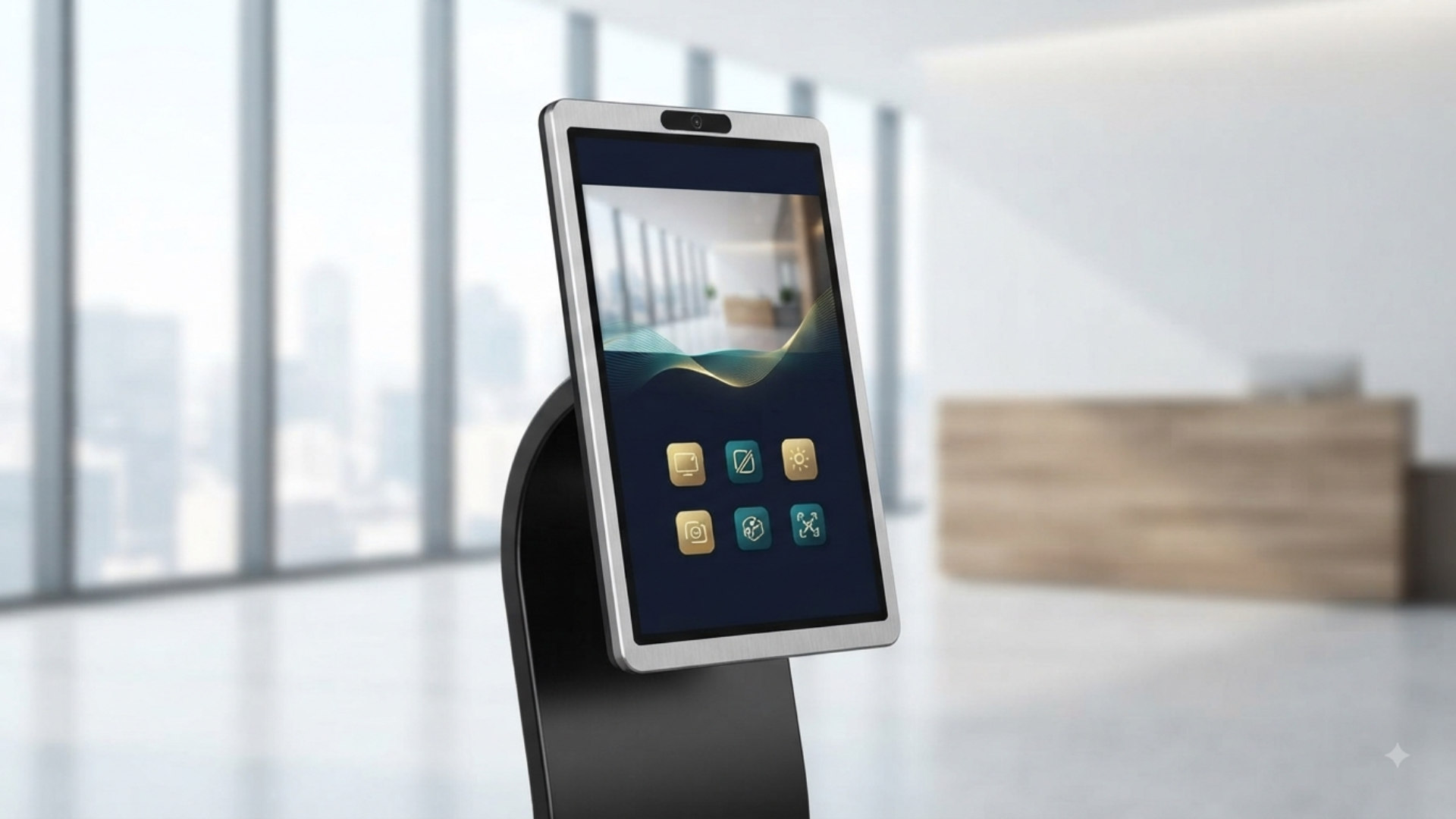
Touch kiosks and self-service display systems
Kiosk Systems Modern self-service and customer interaction points.
Portable display family in professional environments
Portable Displays Flexible digital communication for moving environments.
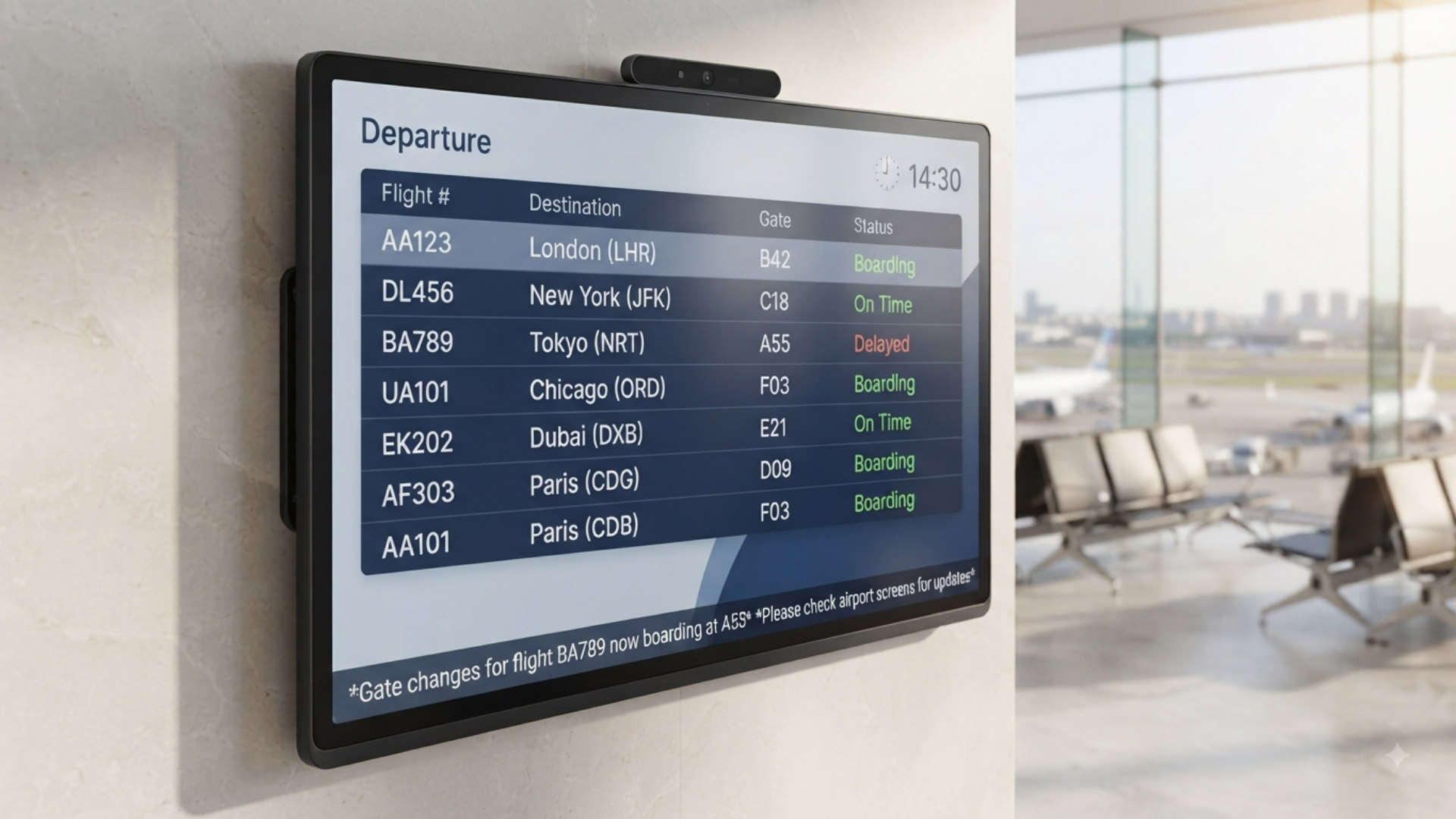
Digital signage lineup for retail and hospitality
Digital Signage Menu boards, A-boards, wall displays, and more.
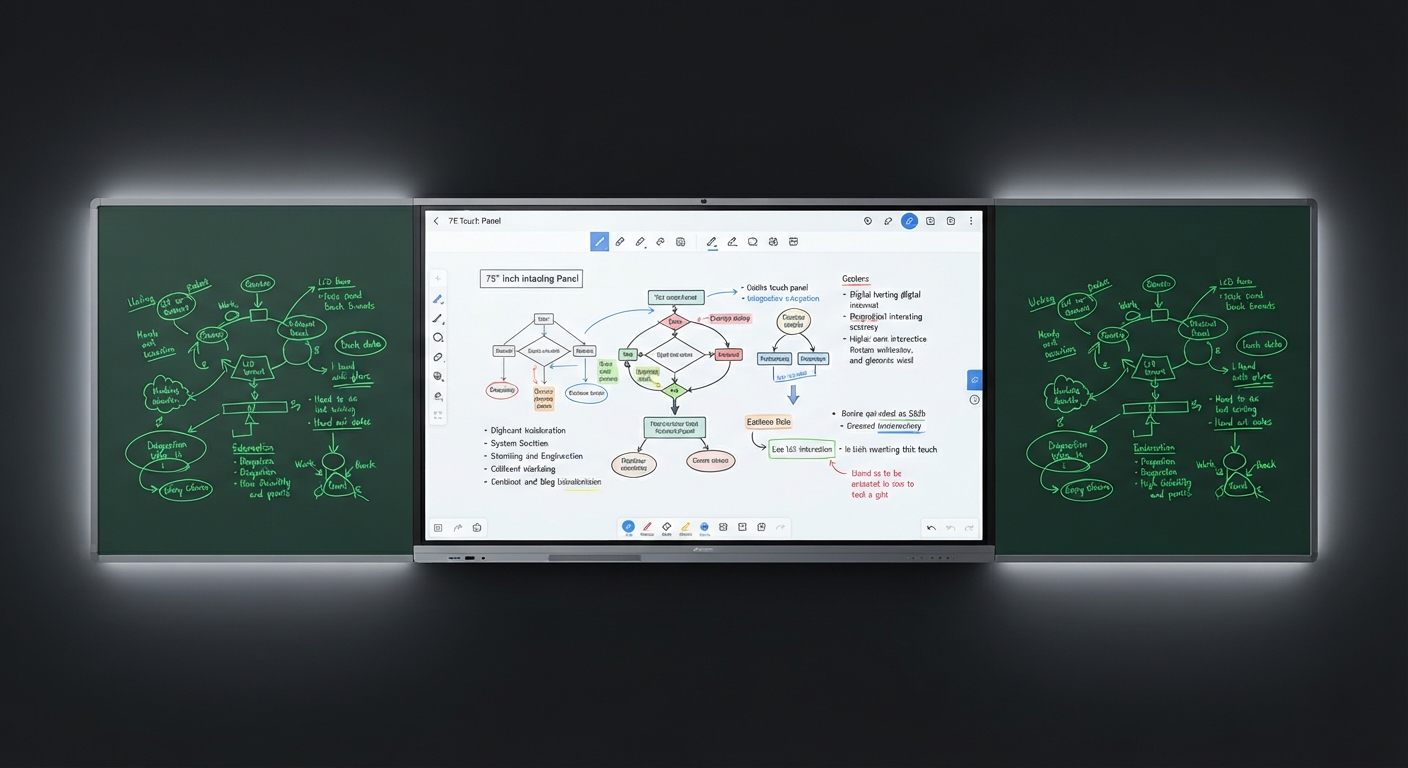
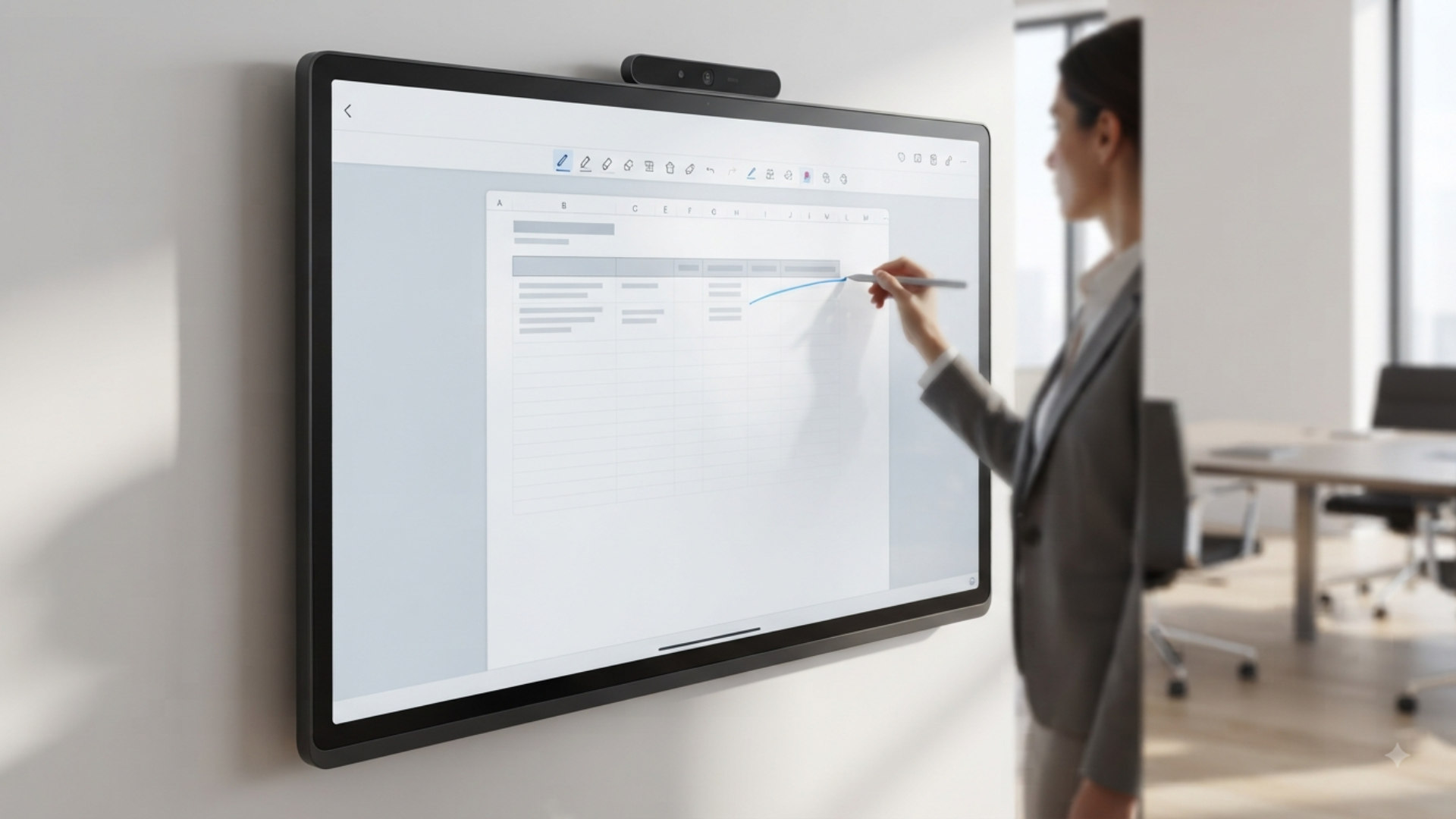
Smart blackboard product scene
Smart Blackboard Professional hybrid teaching setups for schools.
IR touch panels in a premium classroom
IR Touch Panels Interactive teaching and presentation spaces.
Touch kiosks and self-service display systems
Kiosk Systems Modern self-service and customer interaction points.
Portable display family in professional environments
Portable Displays Flexible digital communication for moving environments.
Digital signage lineup for retail and hospitality
Digital Signage Menu boards, A-boards, wall displays, and more.
Smart blackboard product scene
Smart Blackboard Professional hybrid teaching setups for schools.
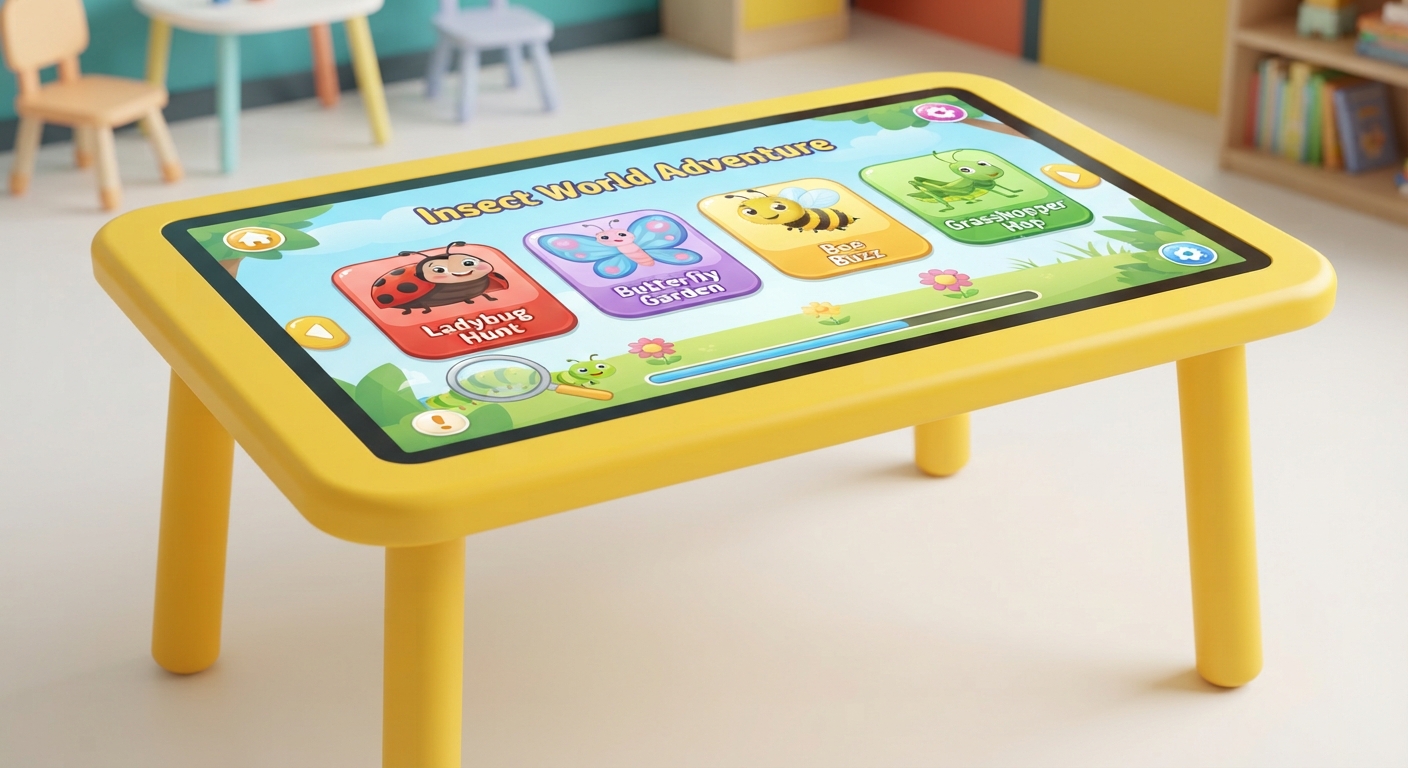
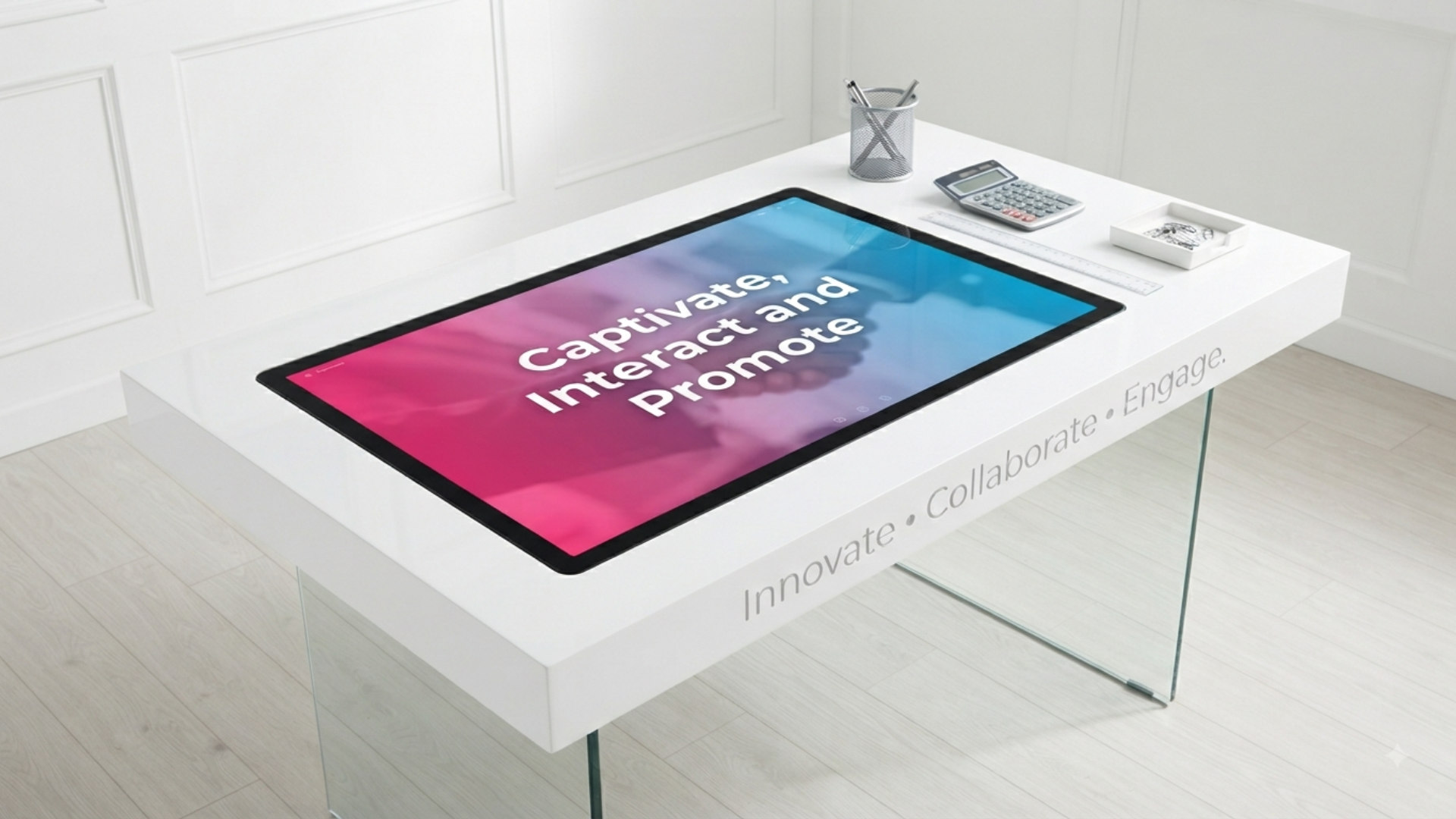
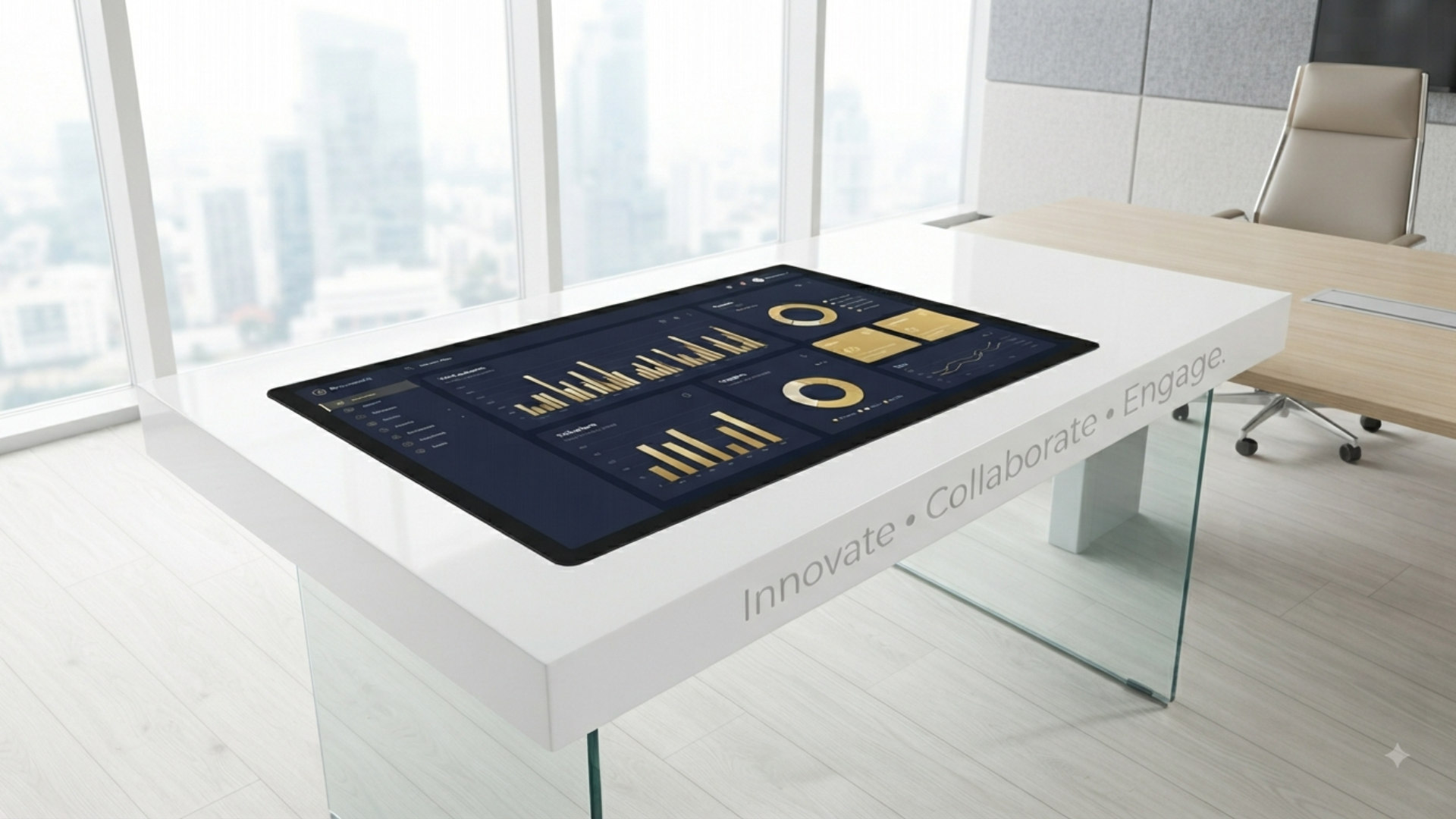
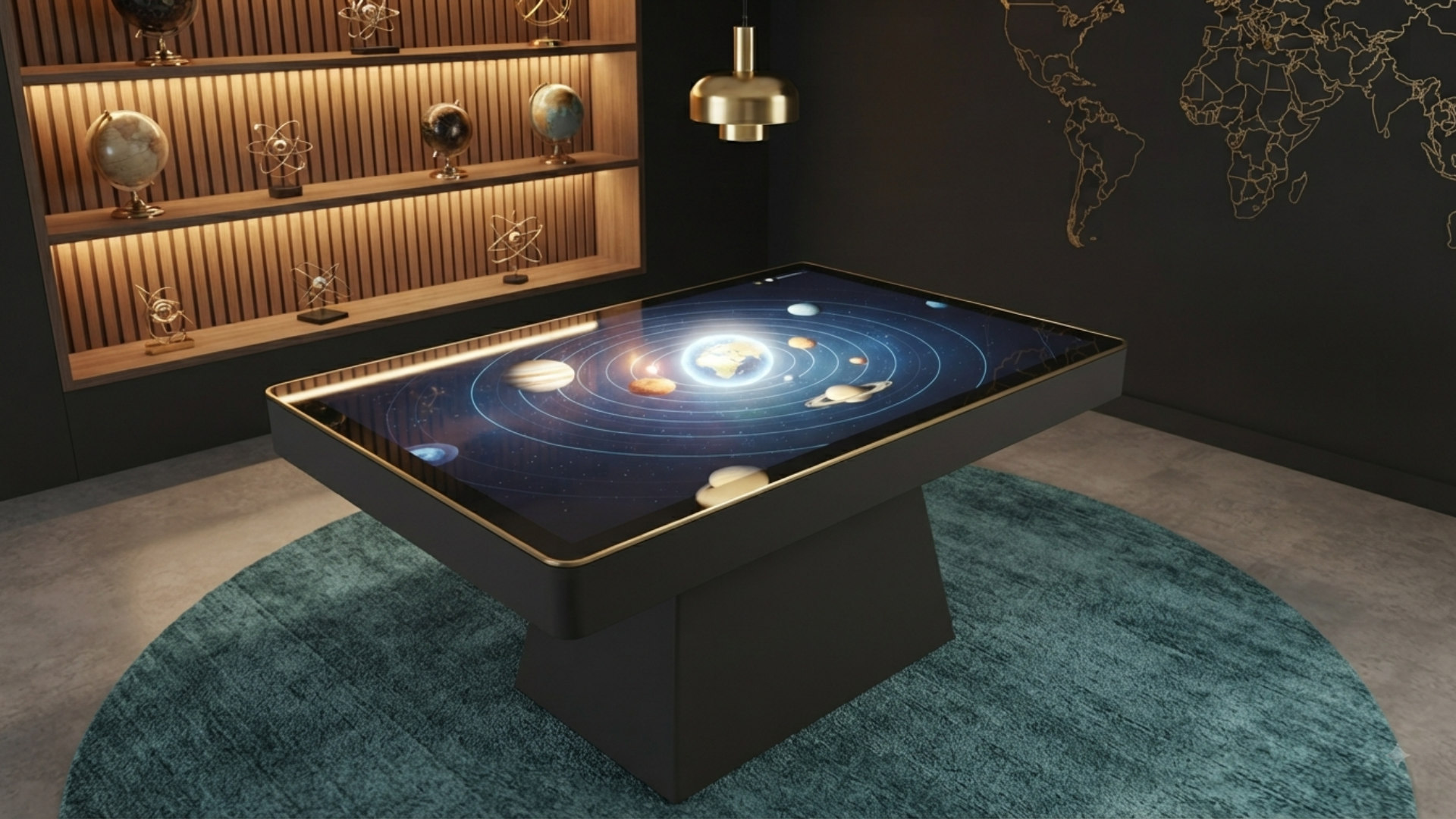
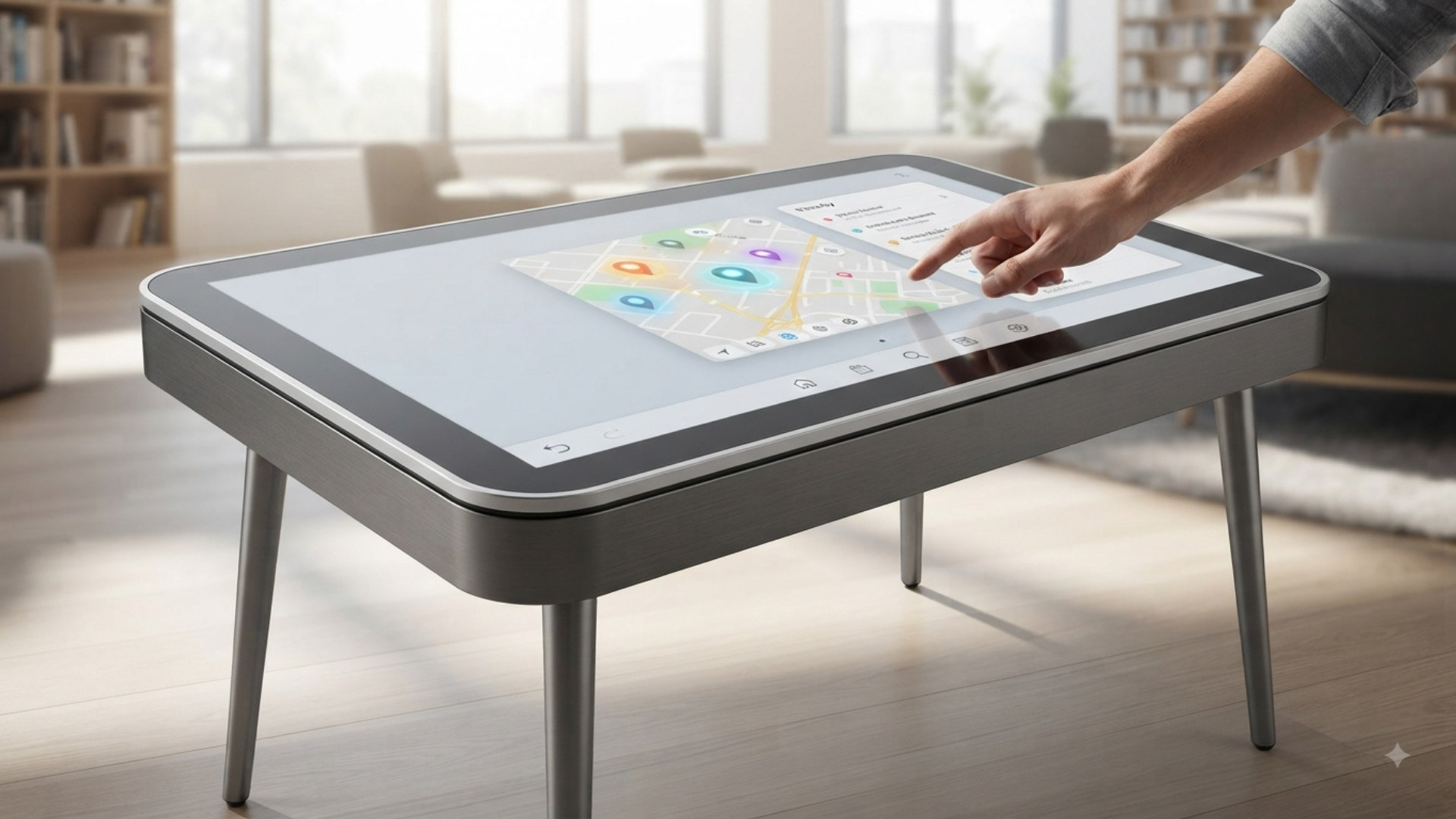
Interactive touch tables for public and classroom use
Touch Table Shared-surface collaboration and engagement experiences.
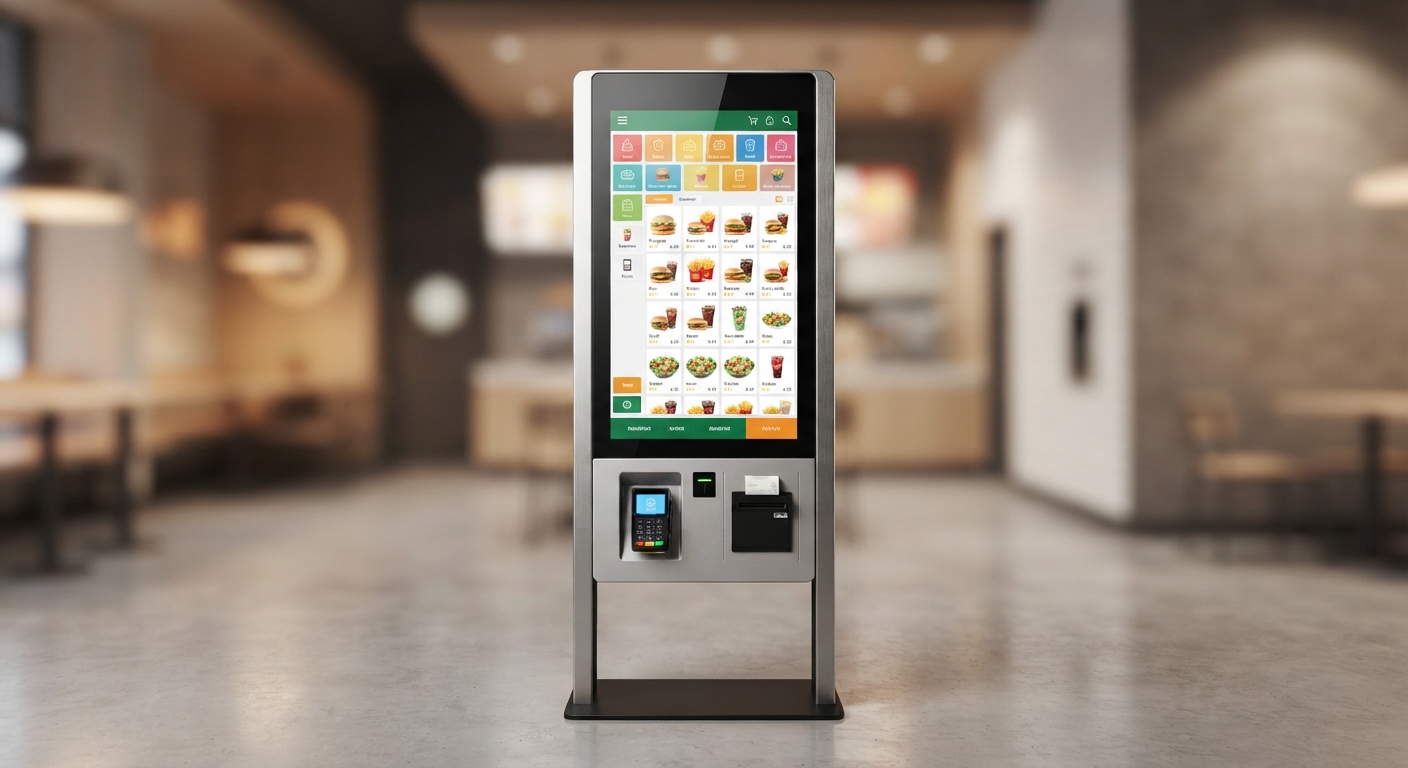
Self-service kiosk concept scene
Self-Service Kiosk Payment-ready ordering and service workflows.
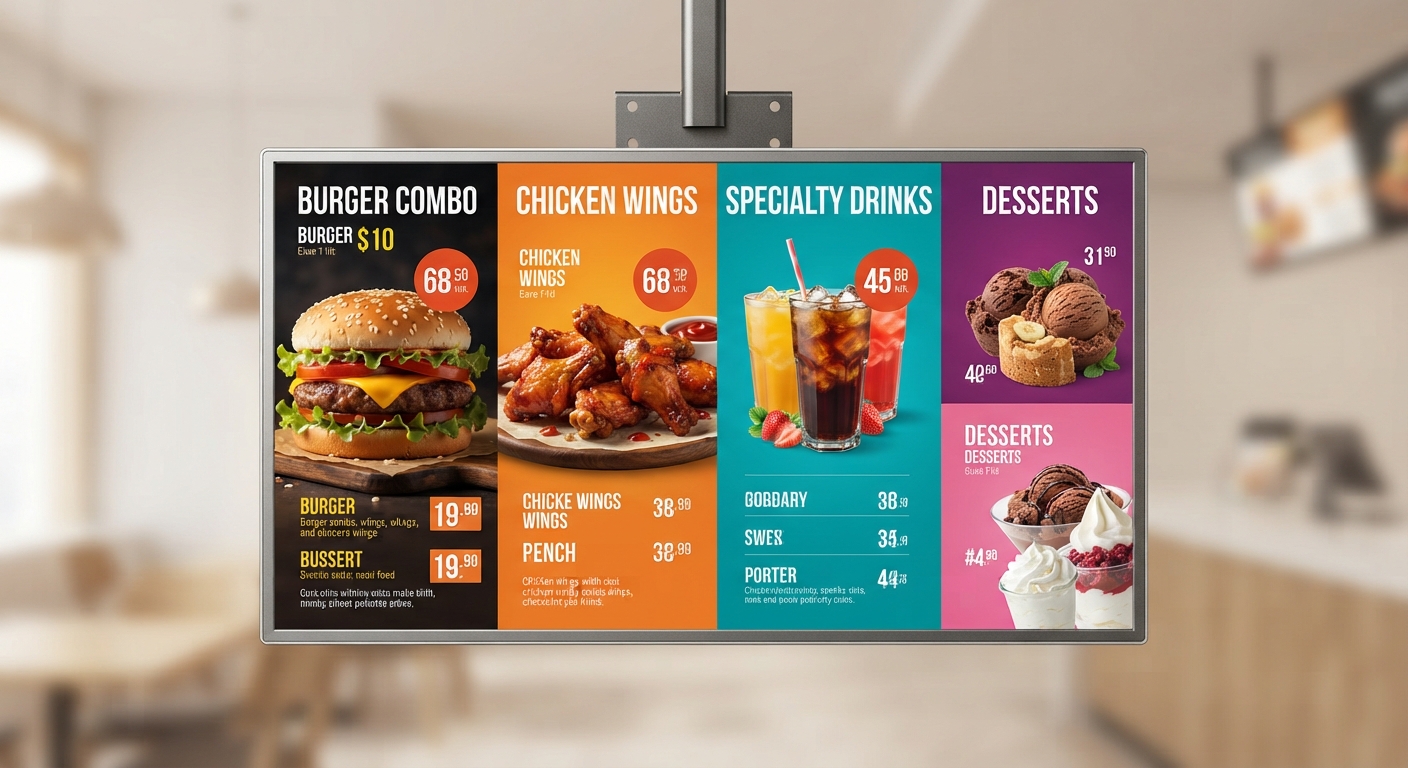
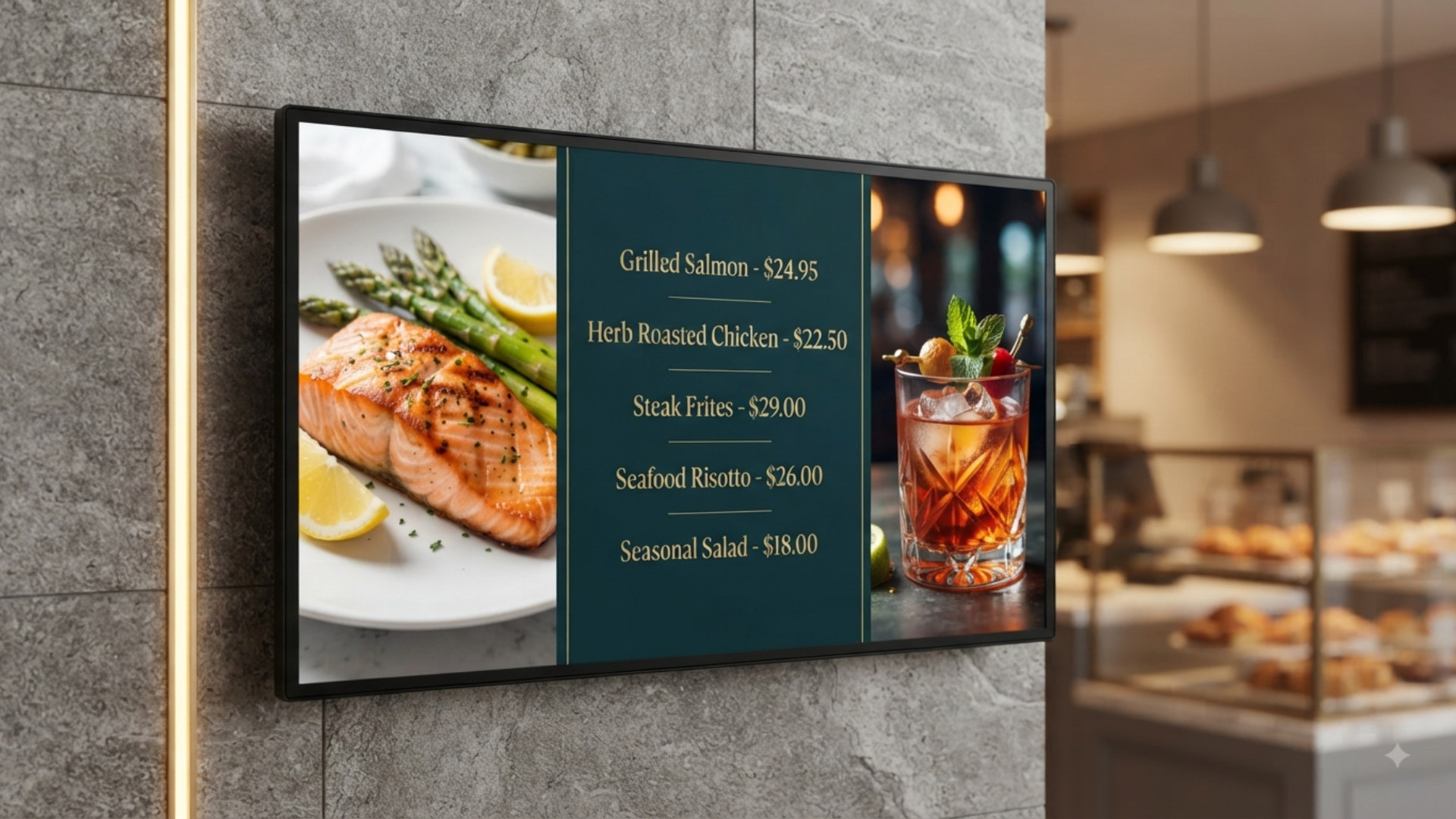
Restaurant menu boards AI concept
Menu Boards Hospitality visuals with dynamic content presentation.
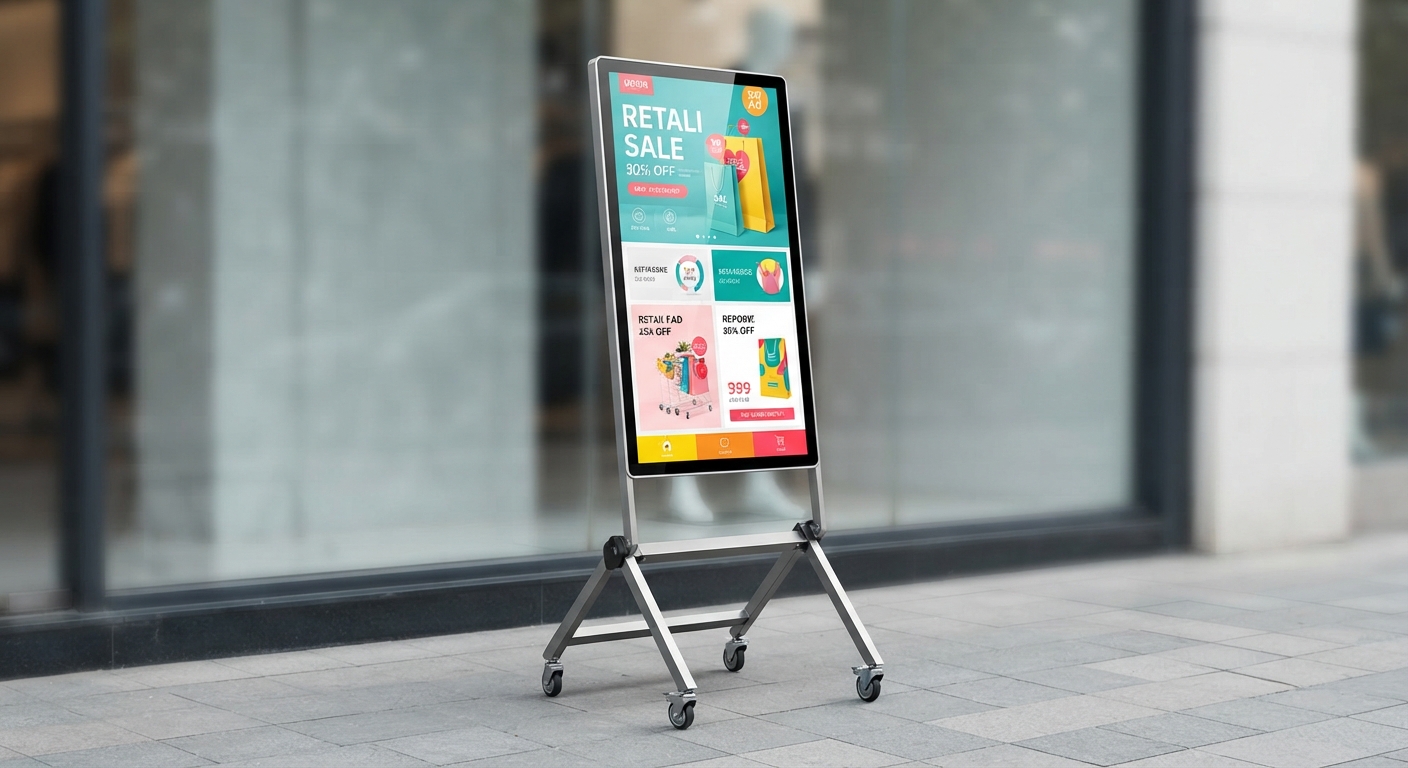
Digital A-board product concept
Digital A-Board Portable promotional messaging for entrances and events.
Interactive touch tables for public and classroom use
Touch Table Shared-surface collaboration and engagement experiences.
Self-service kiosk concept scene
Self-Service Kiosk Payment-ready ordering and service workflows.
Restaurant menu boards AI concept
Menu Boards Hospitality visuals with dynamic content presentation.
Digital A-board product concept
Digital A-Board Portable promotional messaging for entrances and events.
Smart AV & Collaboration Solutions

Interactive display systems for education, training, and business worldwide.

EduPanels combines smart boards, kiosks, digital signage, and deployment support into one global portfolio built for classrooms, campuses, meeting rooms, and customer-facing spaces.

Interactive flat panels, digital signage, kiosks, and touch solutions in one curated lineup.
Designed for K-12, higher education, training centers, and modern business environments.
Global project coordination, partner installation, onboarding, and after-sales support.
Flexible quote-based workflows for single-site rollouts and multi-country deployments.
Interactive DisplaysClassroom and meeting-ready flat panels.
Digital SignageWall-mount, menu, A-board, and outdoor displays.
Kiosk SystemsTouch, self-service, and freestanding solutions.
Global SupportConsultation, installation, training, and rollout help.
Global Connection
Connected all over the world
Display solutions linked across classrooms, campuses, retail spaces, and business environments.
Hover a category to focus, click to open
Main Product Lines
Structured like a full product portfolio.
Interactive Flat PanelsIR touch and P-CAP models for classrooms and collaboration spaces.
Signage & Kiosk RangeIndoor, outdoor, wall-mounted, menu, and self-service display systems.
Deployment ServicesConsultation, logistics planning, installation partners, and user training.
Scroll
0+
Schools Equipped
0+
Years Experience
0K+
Panels Installed
0%
Client Satisfaction
Home Overview

A brief view of everything EduPanels offers

Home now stays concise. Visitors get a quick understanding of the full company, then move into dedicated pages for products, solutions, resources, company information, blog insights, and direct contact.

Products
Interactive panels, kiosks, touch tables, and signage.

Browse each hardware family on a dedicated products page instead of digging through one long homepage.

Open Products
Solutions
Education and business deployment paths.

See how EduPanels fits K-12 schools, higher education spaces, and modern business environments.

Open Solutions
Resources
Planning support, brochures, FAQ, and quote help.

Keep product documents, service guidance, and buyer questions together in one clearer resource page.

Open Resources
About Us
The company story, strengths, and trust signals.

Learn why institutions choose EduPanels and review proof points without mixing that content into product browsing.

Open About Us
Blog
Insights around displays, deployment, and learning spaces.

Give the brand a more complete feel with a separate destination for content and thought leadership.

Open Blog
Contact
Talk to the team for consultation, quotes, and rollout planning.

Keep the contact page focused on next steps, outreach, and project discussion instead of hiding it at the bottom.

Open Contact
Main Product Lines

A cleaner, more structured product portfolio

This section now frames EduPanels as a broader technology portfolio across education, collaboration, signage, and self-service environments.

Technology portfolio for schools, campuses, business spaces, and customer engagement.

Use the category filters below to move through the lineup the way buyers expect on a larger AV brand site: by product family first, then by specific model fit.

From a kindergarten classroom to a boardroom stage, the right display should feel less like technology and more like part of the room itself.

— EduPanels Product Philosophy
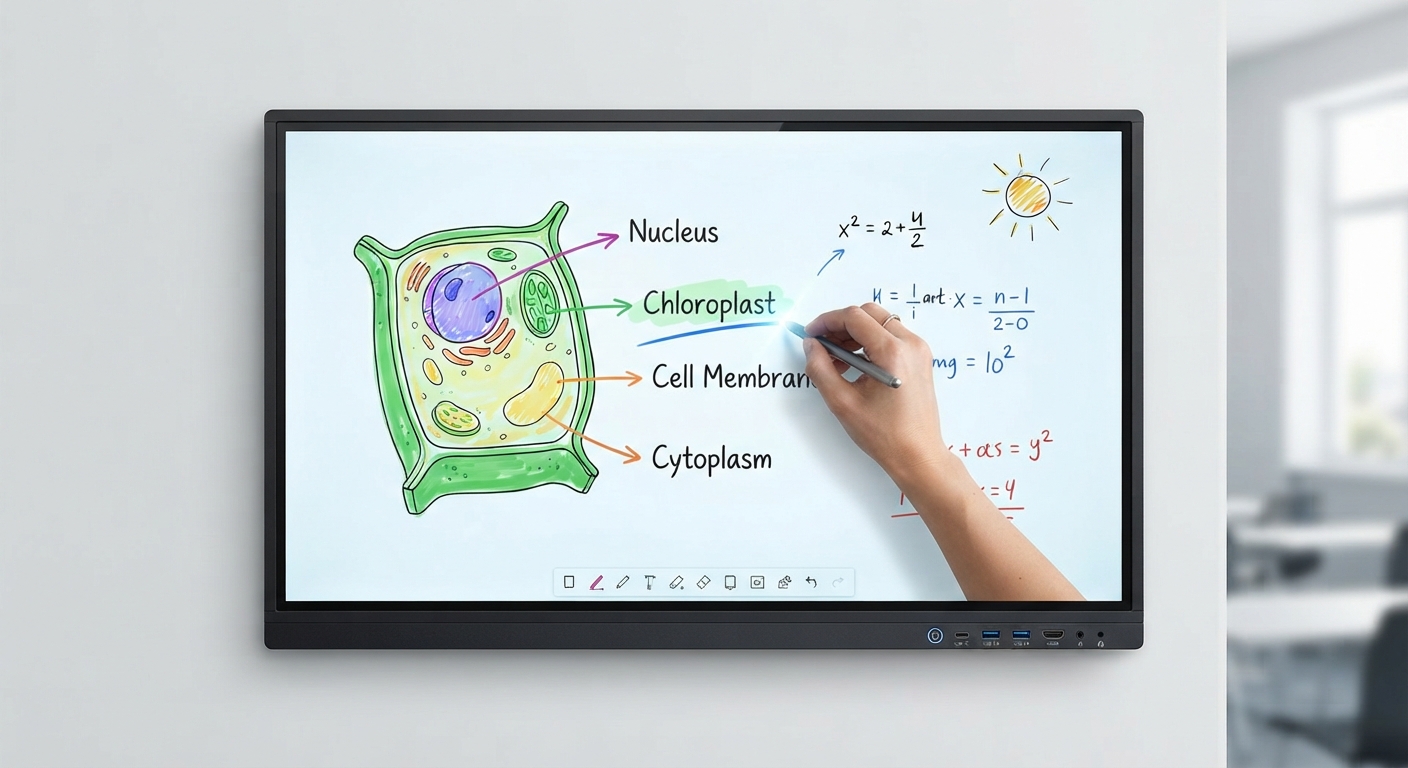
IR Touch interactive flat panel in a premium learning space
Featured
65" to 110" Android 14
IR Touch Interactive Flat Panel
4K classroom-ready board with responsive IR touch, whiteboard tools, WiFi 5/6, and optional AI camera plus microphone upgrades.
50-Point Touch WiFi 5/6 USB-C Optional AI Camera Optional
Built for the front of the classroom, 4K clarity and IR touch that keep pace with fast-moving lessons.
IR Touch Interactive Flat Panel
65" to 110"
50-Point Touch · WiFi 5/6
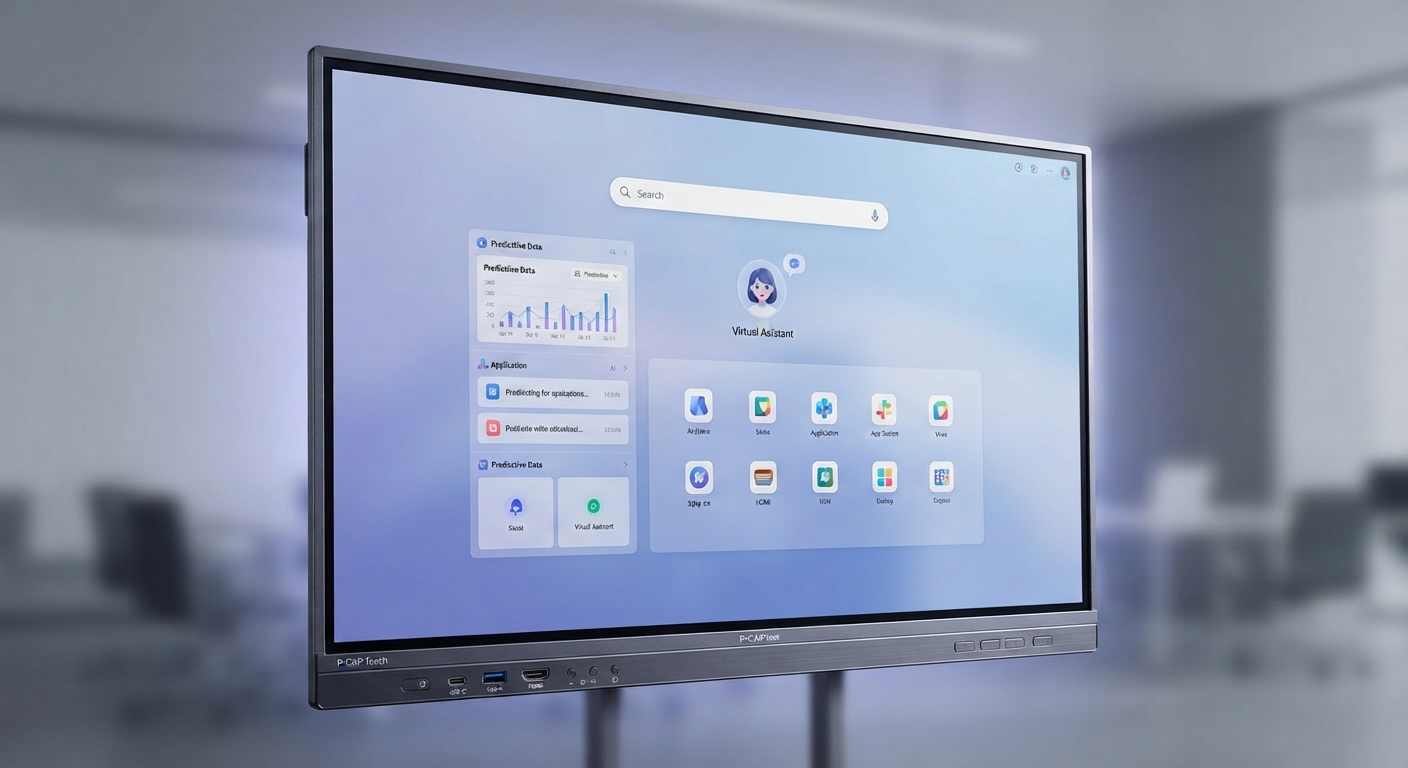
P-CAP touch interactive flat panel cover image
P-CAP Series
65" to 86" Android 14
P-CAP Touch Interactive Flat Panel
A projected capacitive touch display for premium classrooms, boardrooms, and collaboration spaces with Android 14, optional AI camera and microphones, PC module support, and optical bonding options.
20-Point Touch WiFi 5/6 USB-C Optical Bonding Optional
The glass-front feel of a premium boardroom display, tuned for daily collaboration.
P-CAP Touch Interactive Flat Panel
65" to 86"
20-Point Touch · WiFi 5/6
Smart Blackboard product cover image
Interactive Teaching
85 in / 86 in P-CAP & IR
Smart Blackboard
A classroom smart blackboard that combines traditional board teaching with a central interactive display, offering Android 14, 4K visuals, optional camera and microphones, and both P-CAP and infrared touch configurations.
Android 14 20 Points Touch 4K UHD PC Module
Switches between traditional chalk-and-talk teaching and a full interactive display without missing a beat.
Smart Blackboard
85 in / 86 in
Android 14 · 20 Points Touch
Portable digital kiosk in a premium commercial interior
Digital Signage
32 in / 43 in Outdoor Use
Portable Outdoor Kiosk
Battery-powered outdoor digital signage for shops, malls, events, and activations with weather-ready protection, split-screen media playback, and WiFi or 4G content release.
WiFi / 4G Battery Powered Split Screen Android / Windows Optional
Rolls out for the storefront in minutes, then folds flat and locks up at closing time.
Portable Outdoor Kiosk
32 in / 43 in
WiFi / 4G · Battery Powered
Touch Screen Kiosk product cover image
Digital Signage
32 in to 65 in Touch Kiosk
Touch Screen Kiosk
A configurable touch signage kiosk for malls, retail, showrooms, and public spaces with WiFi, optional 1080P to 4K display options, multi-touch gestures, and Android or Windows platform choices.
WiFi 5/6 10 / 20 Touch Points Android / Windows OEM / ODM
One OEM-ready platform, five case styles — pick the shape that fits the space.
Touch Screen Kiosk
32 in to 65 in
WiFi 5/6 · 10 / 20 Touch Points
Self-Service Kiosk product cover image
Digital Signage
21.5 in to 32 in Self-Service
Self-Service Kiosk
A self-service kiosk line for ordering, payment, queue handling, and customer transactions with capacitive touch, ordering software, optional peripherals, and cloud-ready deployment support.
Capacitive Touch Ordering Software WiFi / Wired Network POS / NFC / Printer Optional
From tap-to-pay to queue calling, everything a busy counter needs in one screen.
Self-Service Kiosk
21.5 in to 32 in
Capacitive Touch · Ordering Software
Floor Standing Kiosk product cover image
Digital Signage
32 in to 75 in Floor Display
Floor Standing Kiosk
A freestanding digital signage kiosk for retail, malls, lobbies, and public promotions with cloud-based content management, split-screen playback, optional 4K display, and remote publishing tools.
Remote Publishing Split Screen 1080P / 4K Optional WiFi / 4G Optional
A freestanding presence sized for anywhere, from a boutique corridor to a mall concourse.
Floor Standing Kiosk
32 in to 75 in
Remote Publishing · Split Screen
Capacitive interactive touch table in a modern learning lounge
Touch Table
32 in / 43 in Capacitive Touch
Capacitive Interactive Touch Table
A capacitive interactive touch table for children, classrooms, waiting areas, and learning zones, combining multi-touch interaction, screen sharing, whiteboard features, Android or Windows support, and a playful table-style design.
20 Points Touch 4K UHD Android / Windows PC Module
A shared surface built for small hands in the classroom and big ideas in the boardroom.
Capacitive Interactive Touch Table
32 in / 43 in
20 Points Touch · 4K UHD
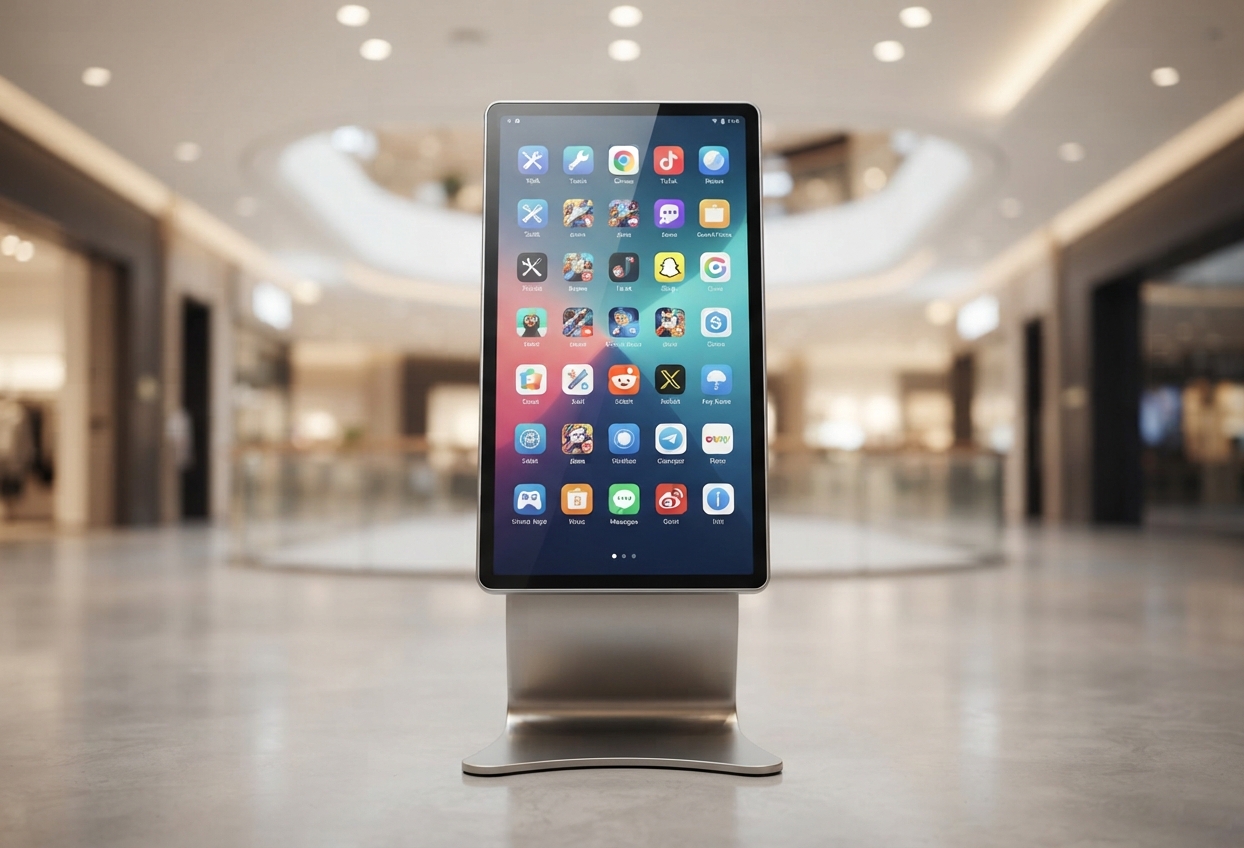
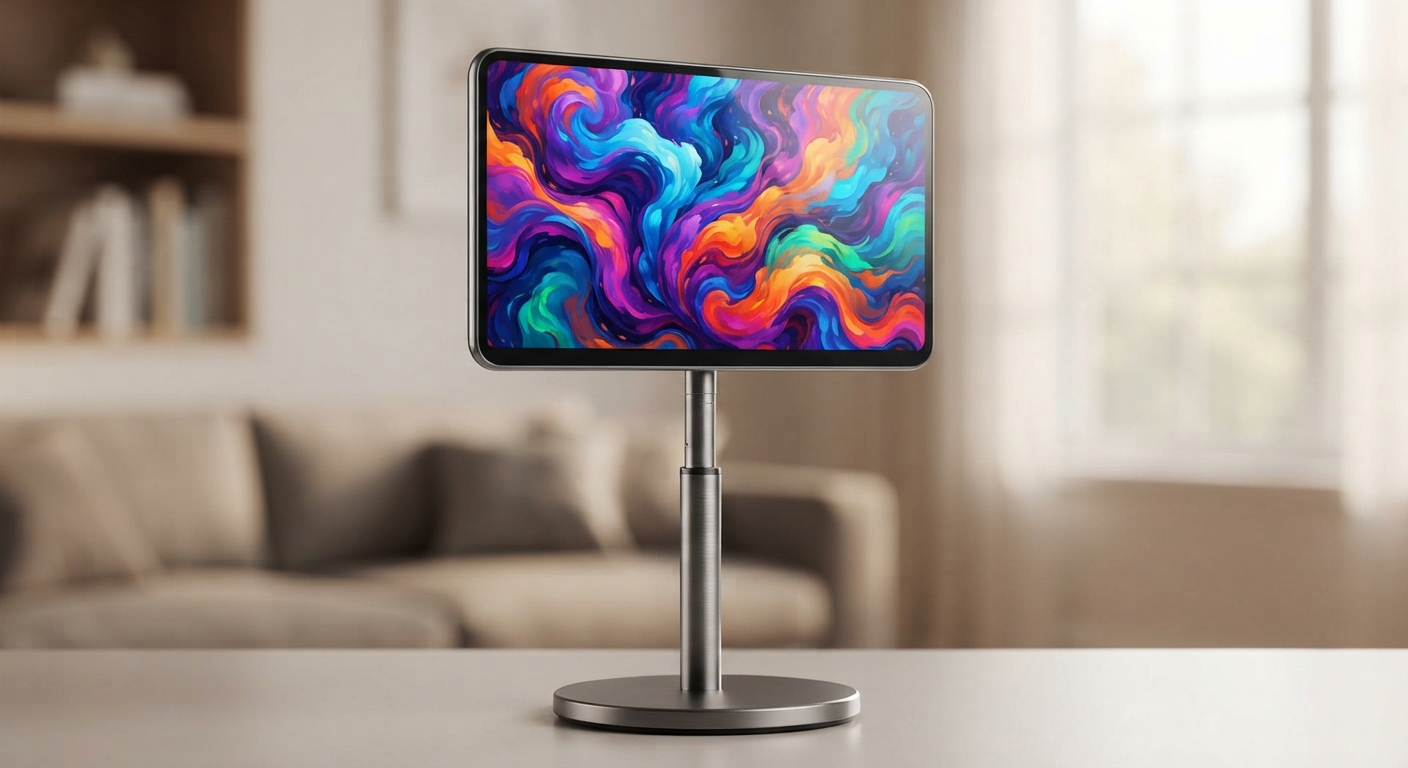
Portable smart display on a rolling stand in a modern workspace
Portable Display
24 in to 32 in Touch & Battery
Portable TV
A movable smart display for home, office, retail, and lifestyle use with touch control, built-in camera, wireless projection, adjustable stand options, and battery-powered portability.
10-Point Touch 13MP Camera Wireless Projection 4-6 Hours Battery
One battery-powered screen for gaming, video calls, yoga, and karaoke — wherever it's needed next.
Portable TV
24 in to 32 in
10-Point Touch · 13MP Camera
Digital A Board product cover image
Digital Signage
32 in / 43 in Collapsible
Digital A Board
A freestanding and collapsible digital A-board for storefronts, cafes, restaurants, and promotional spaces with full HD playback, split-screen layouts, remote control options, and offline media support.
Full HD CMS Remote Control USB / SD Playback Android / Windows
A menu board that stops foot traffic, folding flat for storage and back up in seconds.
Digital A Board
32 in / 43 in
Full HD · CMS Remote Control
Restaurant Digital Menu Boards product cover image
Digital Signage
32 in to 55 in Restaurant Menus
Restaurant Digital Menu Boards
A restaurant-focused digital menu board system for cafes, fast food counters, and hospitality venues with split-screen layouts, remote content management, dynamic menu updates, and promotional display tools.
Up To 4 Split Screens Content Management Dynamic Menus Remote Updates
Up to four menu zones on one wide screen, updated remotely from anywhere.
Restaurant Digital Menu Boards
32 in to 55 in
Up To 4 Split Screens · Content Management
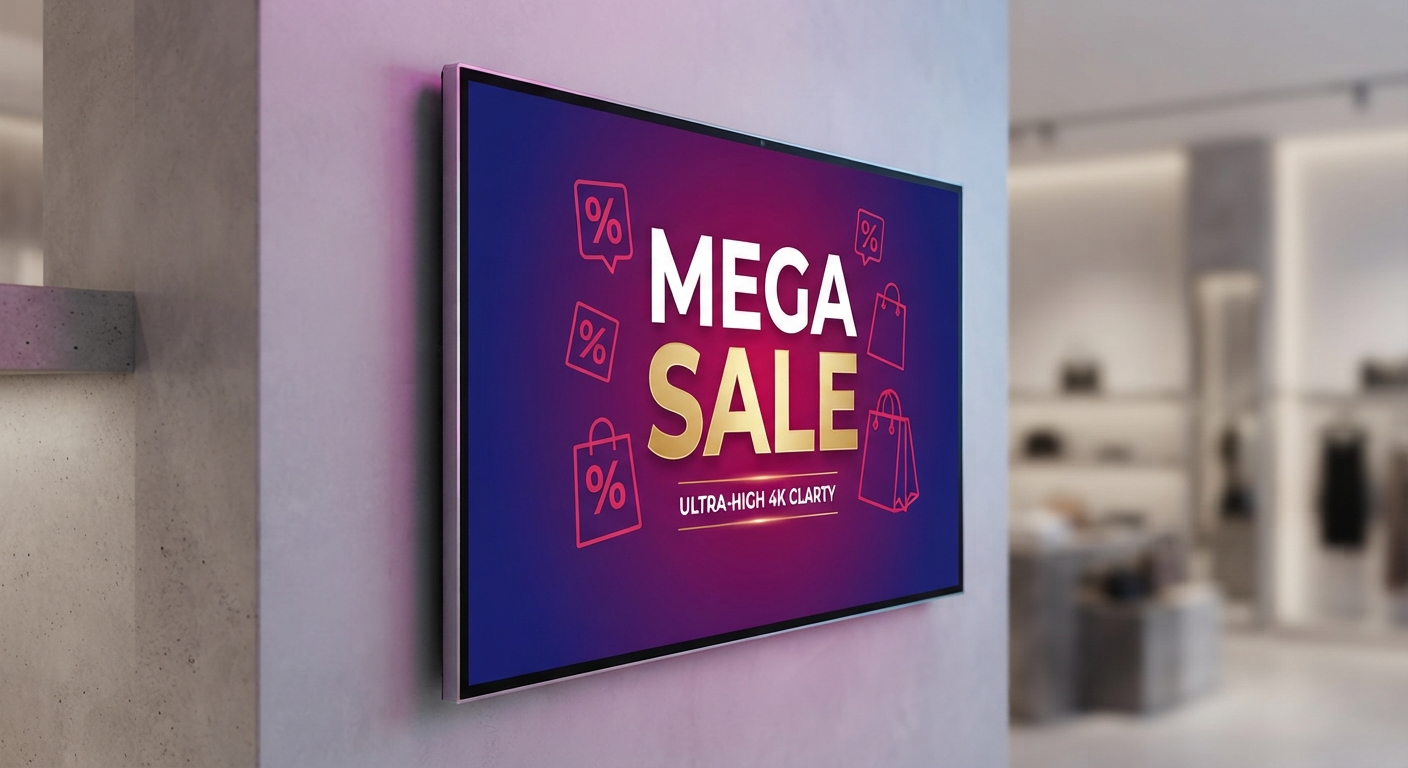
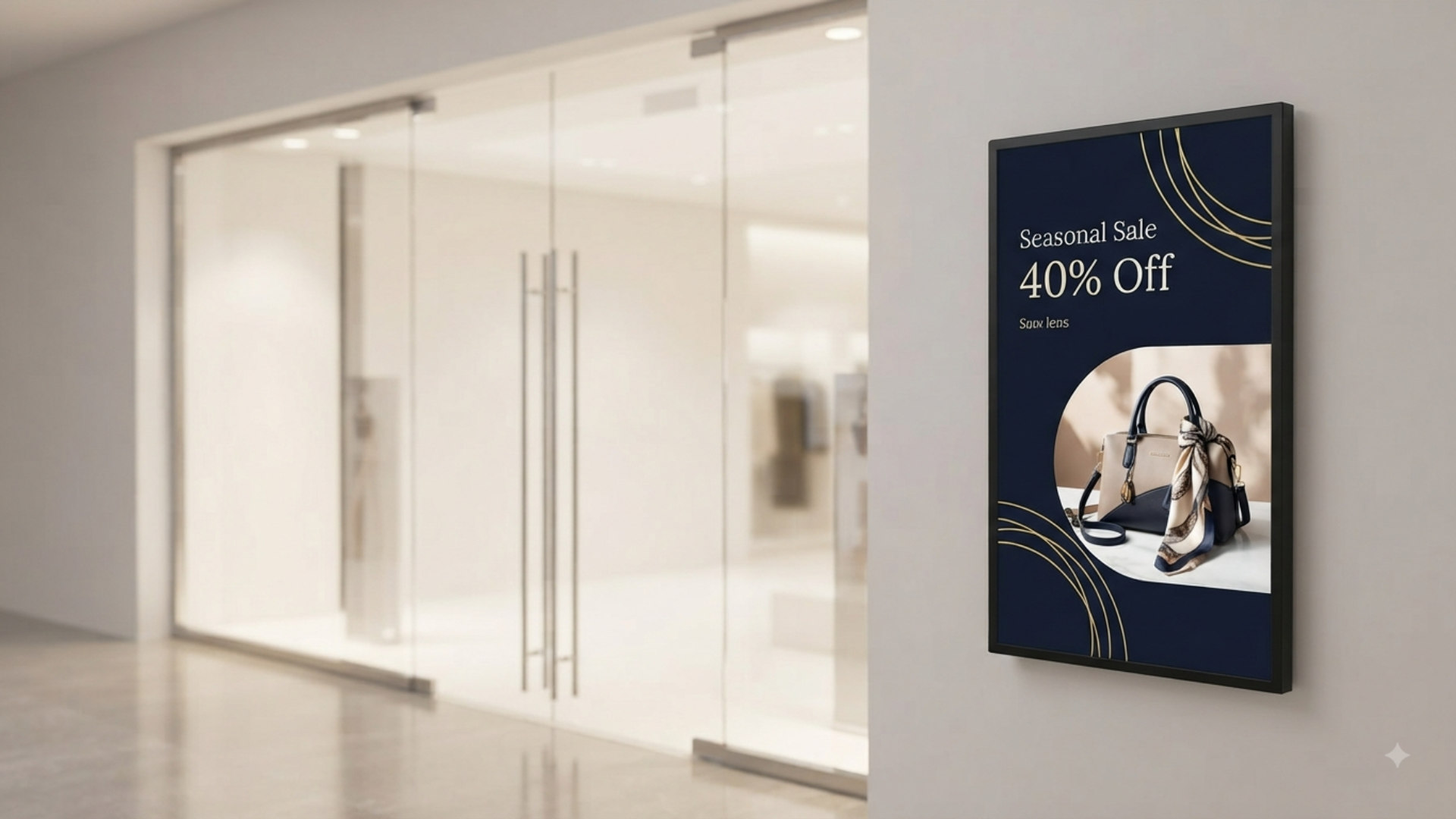
Wall-mounted digital signage in a premium hospitality interior
Digital Signage
32 in to 55 in Wall Mounted
Wall Mount Digital Signage
A slim wall-mounted digital signage display for malls, hotels, restaurants, exhibitions, and retail spaces, with HD to 4K options, landscape or vertical playback, cloud management, and flexible content scheduling.
HD / UHD Cloud Management USB Plug And Play Flexible Display
Just 40mm off the wall, with landscape, vertical, and split-screen playback.
Wall Mount Digital Signage
32 in to 55 in
HD / UHD · Cloud Management
About Us

Why institutions and businesses choose EduPanels

The About Us page now carries the company story, product capability, support strengths, and the reasons buyers trust EduPanels for larger projects.

Why EduPanels

Technology built for the classroom, proven in the field

Five reasons schools, universities, and businesses choose EduPanels, from day-one durability to the support that keeps every lesson running.

01

Future-Ready

Built for tomorrow's classroom

AI-assisted workflows, smart scheduling, and a growing feature set mean EduPanels doesn't just meet today's standards, it sets tomorrow's. Every panel ships ready for what's next, not just what's now.
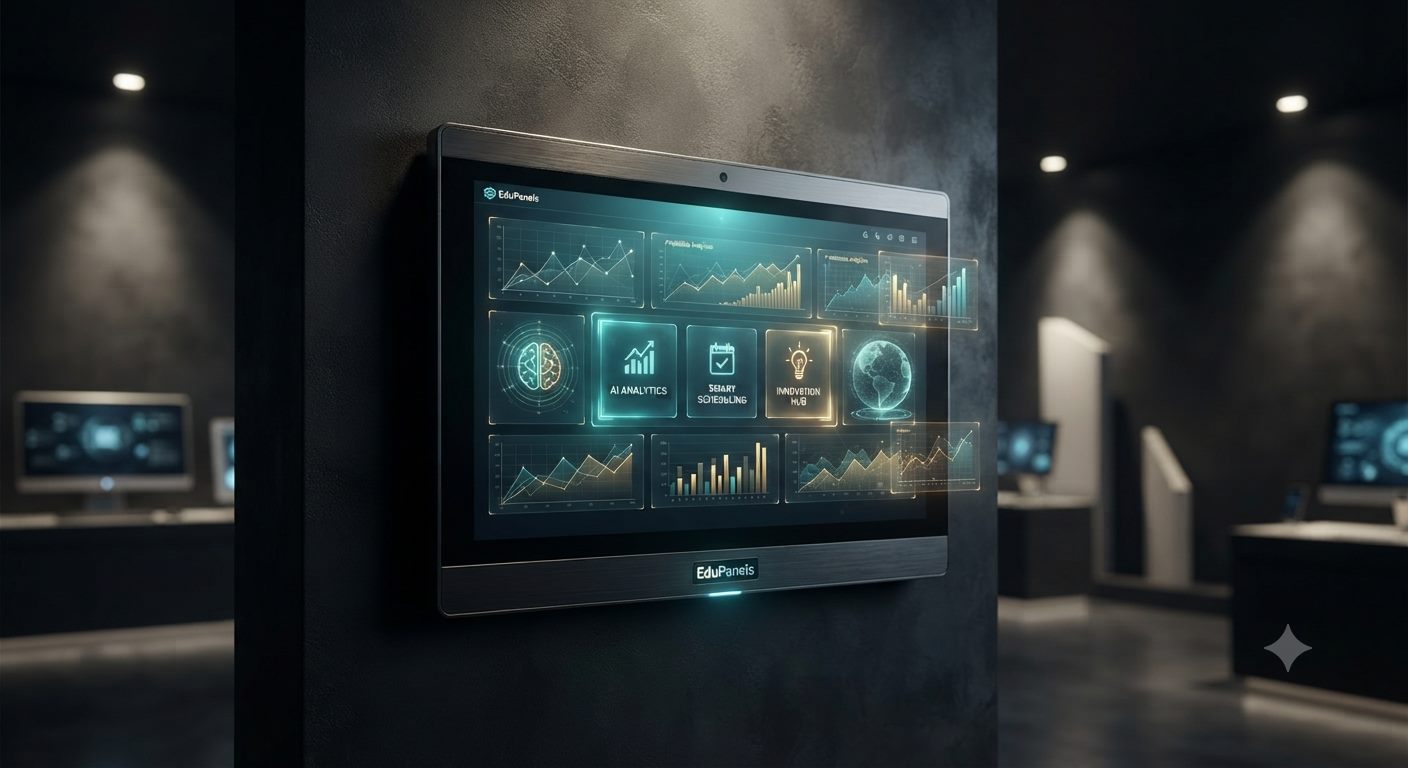
EduPanels smart panel dashboard showing AI Analytics, Smart Scheduling, and Innovation Hub tiles
02

Local Support

We're always close by

Real people, real fast. From installation to troubleshooting, the EduPanels team is never more than a call away, because a classroom or meeting room that goes dark for a day is a lesson or a deal lost.
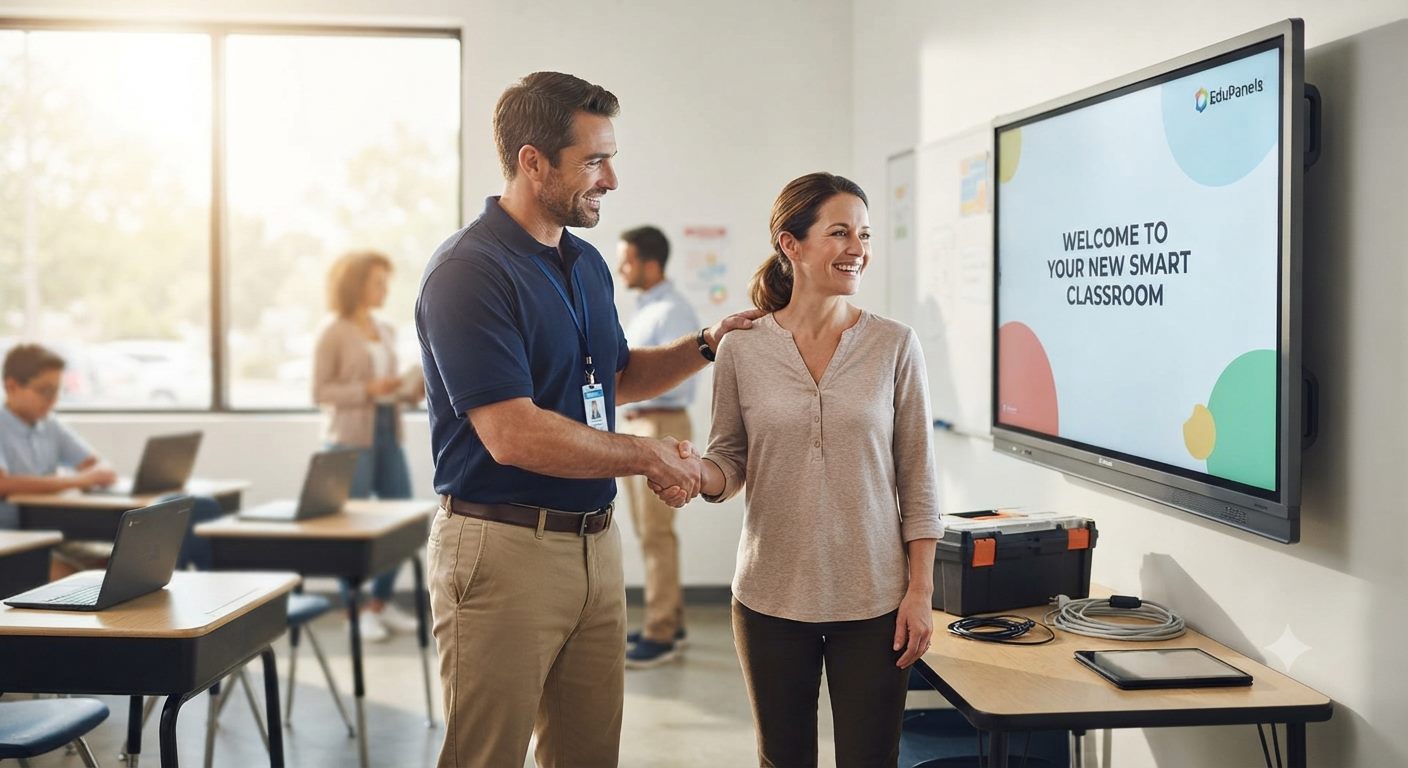
EduPanels technician shaking hands with a teacher in front of a newly installed smart classroom panel
03

Seamless Integration

One screen, endless connections

Laptops, tablets, the cloud, EduPanels connects to the tools a school or office already runs on. No extra wiring, no new workflows to learn, just smart teaching and presenting that fits right in.

EduPanels display in an office connected wirelessly to a laptop, tablet, phone, and cloud services
04

Engineered To Last

Built to endure the daily grind

Reinforced frames, impact-tested glass, and commercial-grade hardware, EduPanels is made for real classrooms and meeting rooms with real daily use. Durability isn't a spec sheet claim here, it's the whole design brief.
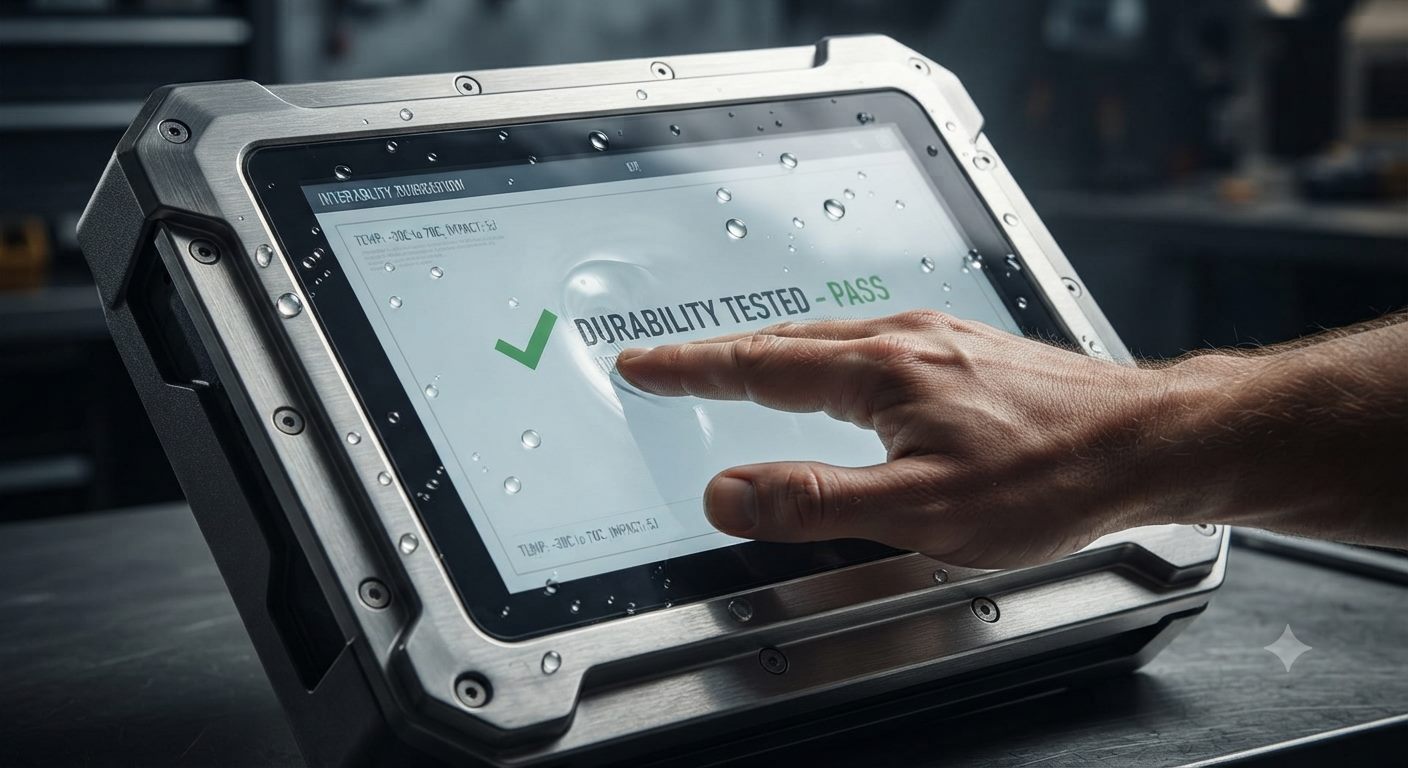
Rugged touchscreen device showing a Durability Tested Pass result during a stress test
05

Learning, Reimagined

Lessons that students lean into

Turn a static lesson into something students want to touch. EduPanels makes every subject interactive, turning passive listeners into hands-on explorers, and making the lesson genuinely hard to forget.

Elementary students pointing at an interactive world map on a classroom smart board with their teacher
Interactive Teaching Tools
Whiteboarding, annotation, lesson delivery, and collaboration features designed for real classroom use.
📶
Wireless Collaboration
Smooth content sharing from student devices, staff laptops, and meeting participants across common platforms.
AI
Smart Productivity Layer
AI-assisted workflows, OCR, translation, and meeting or classroom support tools where the device mix allows it.
🛡
Commercial-Grade Build
Durable enclosures, anti-glare glass, and hardware choices suited for repeated daily use in shared spaces.
📹
Hybrid Communication Ready
Camera, microphone, conferencing, and presentation capabilities for hybrid classrooms and meeting spaces.
Deployment & After-Sales Support
Project consultation, rollout support, onboarding, training, warranty coverage, and ongoing technical coordination.
Solutions

Four deployment paths, one product ecosystem

Every EduPanels project starts from one of four outcomes: K-12 classrooms, higher education campuses, business and meeting spaces, or cable-free BYOM presentation. Scroll through each path below, or open one for the full tiered breakdown.

Deployment Journey

Move from inquiry to rollout in 3 clear steps

01
Consult & Scope
We review room types, audience needs, product fit, and rollout priorities before recommending a final direction.
02
Supply & Install
Products are coordinated for delivery, staging, installation, and setup with the right partner path for your location.
03
Launch & Support
Training, onboarding, and after-sales support help your team adopt the solution confidently after deployment.
← Back to Solutions
K-12 Schools

Three ways schools deploy EduPanels in classrooms

From a single upgraded classroom to a full hybrid-ready rollout, these are the three setups schools ask for most.

Classroom Snapshots

What EduPanels looks like at every grade level

From a child's first interactive lesson to a senior presenting real data, the same product family adapts to every stage of school life.

01

Elementary Classroom

Turning curiosity into everyday engagement

Interactive panels turn everyday lessons into memorable experiences. With vivid visuals and simple touch controls, young learners stay engaged longer, absorb concepts faster, and build a genuine love for learning from their very first years in school.
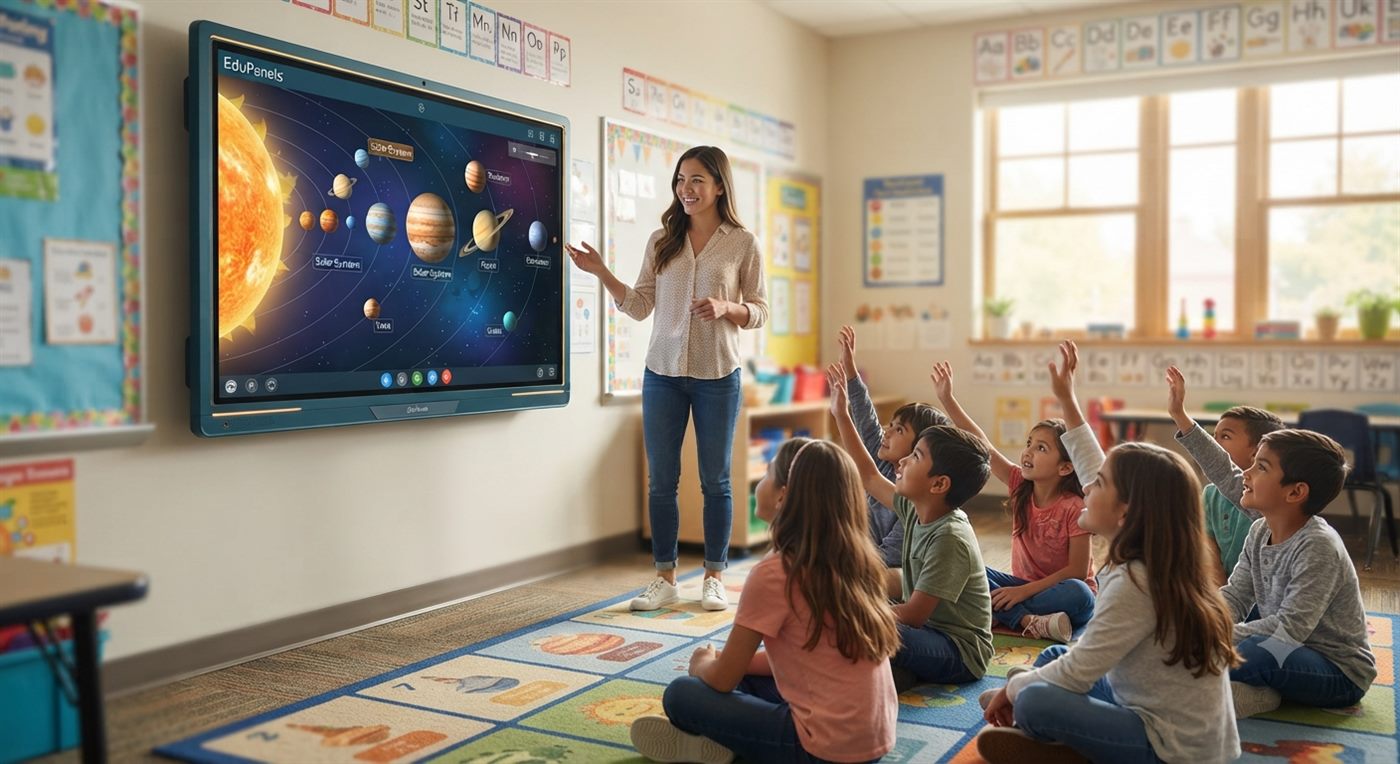
“Bringing lessons to life — turning curiosity into engagement, one touch at a time.”
Elementary classroom students engaging with an interactive smart blackboard during a solar system lesson
02

Middle School Classroom

Learning by doing, together

Our touch tables encourage students to learn by doing. Group-based, hands-on interaction strengthens teamwork, critical thinking, and problem-solving skills — helping students retain knowledge far better than traditional lecture-style teaching.
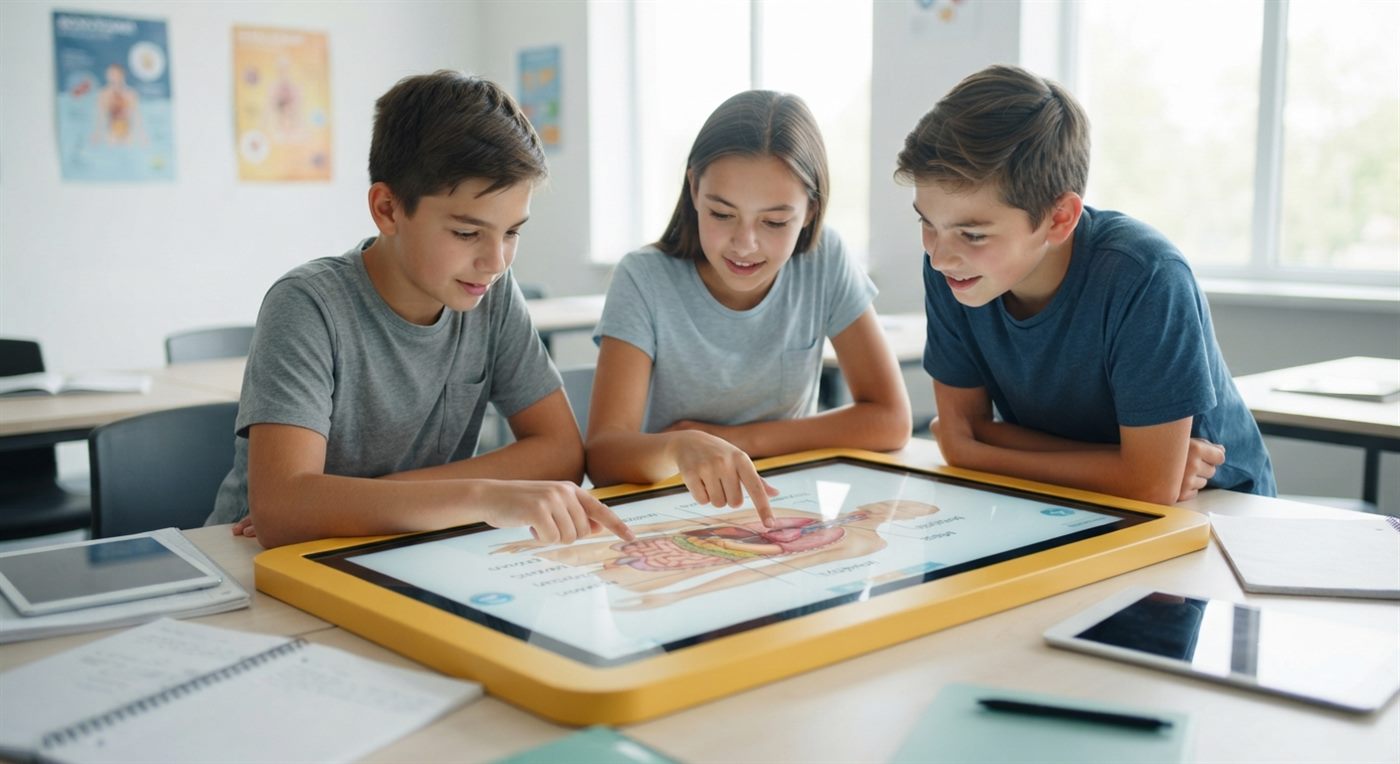
“Collaboration made hands-on — where teamwork and technology meet.”
Middle school students collaborating around an interactive touch table showing a human anatomy diagram
03

High School Classroom

Building the confidence to lead

Give students the tools to lead their own learning. Interactive panels make it easy to present, analyze, and explain ideas clearly — building the confidence and digital skills students need for higher education and beyond.

“Empowering student voices — confidence built through interactive learning.”
High school student presenting global economic trend charts on an interactive touch panel to classmates
01
Foundational Smart Classroom
A single 4K interactive board replaces the projector and whiteboard: responsive IR touch, built-in whiteboard software, and WiFi 5/6 for daily lesson delivery.
02
Collaborative Group Learning
Lab and group spaces add a multi-touch table alongside a P-CAP panel, so several students can write, share, and present at once.
03
Hybrid & Remote-Ready Classroom
A Smart Blackboard with an optional AI camera and 8-microphone array keeps remote students in the lesson through native Zoom, Teams, and Meet support.
K-12 FAQ
Can IT admins manage boards across many classrooms at once?+
Yes. Bulk project planning and centralized configuration are built into a school-wide rollout, so IT staff aren't managing each board one by one.
Do the boards support remote or hybrid learners?+
Yes. All boards run Android OS with native Zoom, Teams, and Google Meet support, and models with the optional AI camera and microphones are built for hybrid lessons.
Can our existing curriculum software run on these boards?+
Most Android-based classroom and curriculum software runs directly. For Windows-only tools, the optional OPS module turns the panel into a full PC.
Are the panels durable enough for daily student use?+
Yes. Tempered, anti-glare glass and commercial-grade enclosures are built for repeated daily use in shared classroom spaces.
Do you offer bulk pricing for multiple classrooms?+
Yes, competitive bulk pricing applies to schools ordering multiple units. Contact our sales team with your classroom count for a custom quote.
Is teacher training included after installation?+
Yes. We offer on-site or remote training covering whiteboard software, wireless casting, and daily best practices so teachers are ready immediately.
What warranty applies to a school-wide rollout?+
All EduPanels smart boards include a 3-year hardware warranty, with extended plans and annual service contracts available.
Can we pilot one classroom before a full-campus order?+
Yes. Many schools start with a single foundational classroom, then expand to group-learning and hybrid tiers once the first room is proven out.
← Back to Solutions
Higher Education

Three ways campuses deploy EduPanels across buildings

Lecture halls, seminar rooms, and shared campus spaces each call for a different setup, all built from the same product line.

Campus Snapshots

What EduPanels looks like across a campus

From large lecture halls to library study tables and everyday campus services, the same product family adapts to every corner of university life.

01

Lecture Halls

Where every lecture becomes a conversation

Interactive panels transform lectures from passive listening into active learning. Professors can annotate, highlight, and interact with content live — helping large groups of students stay focused and engaged.
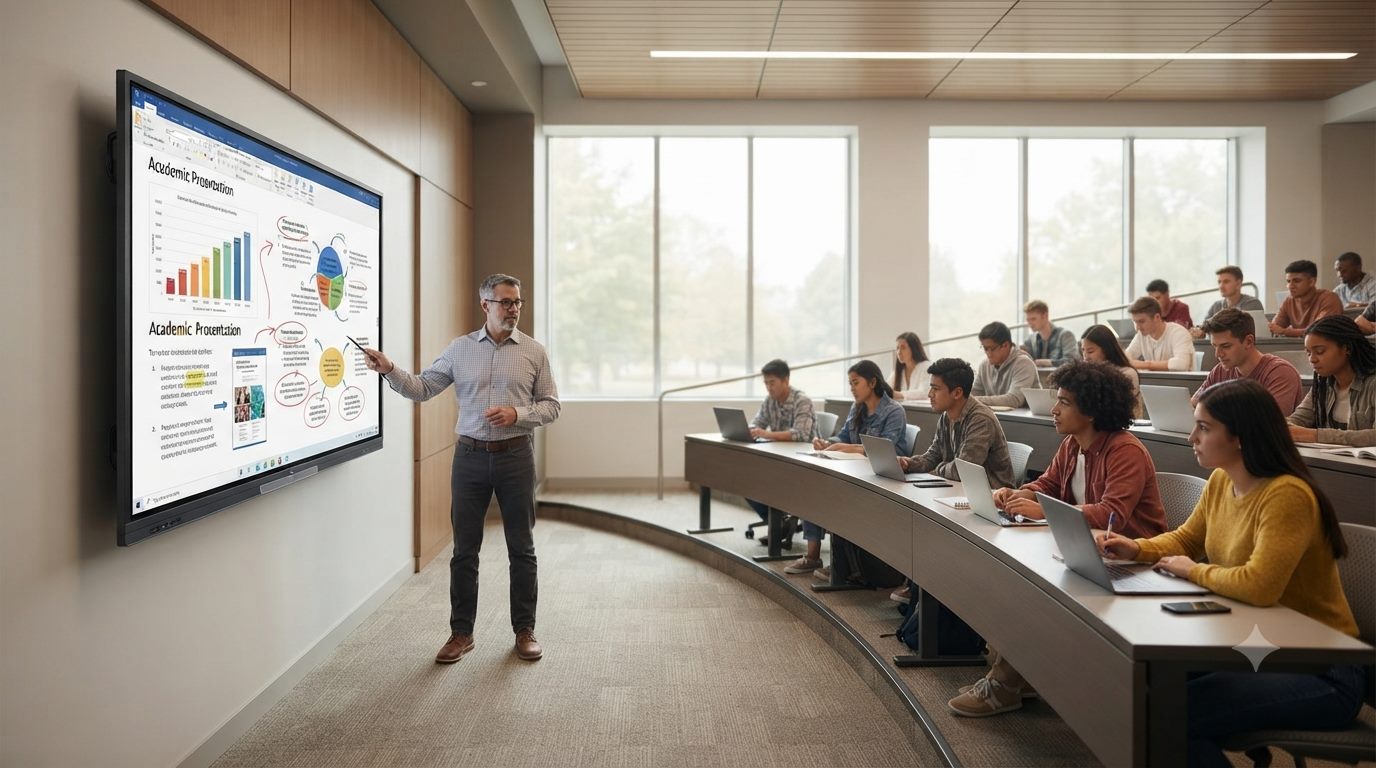
“Where every lecture becomes a conversation.”
Professor presenting an academic presentation on an interactive panel in a curved lecture hall
02

Library & Study Spaces

Group study, reimagined

Touch tables turn study sessions into collaborative workspaces. Groups can research, organize, and present ideas together on one shared surface — encouraging teamwork beyond the classroom.

“Group study, reimagined for the digital generation.”
Three university students collaborating around a touch table in a library
03

Campus Services

Campus services, simplified

Self-service kiosks streamline everyday campus tasks — from registration to schedule lookups — giving students instant access to information without long lines or wait times.
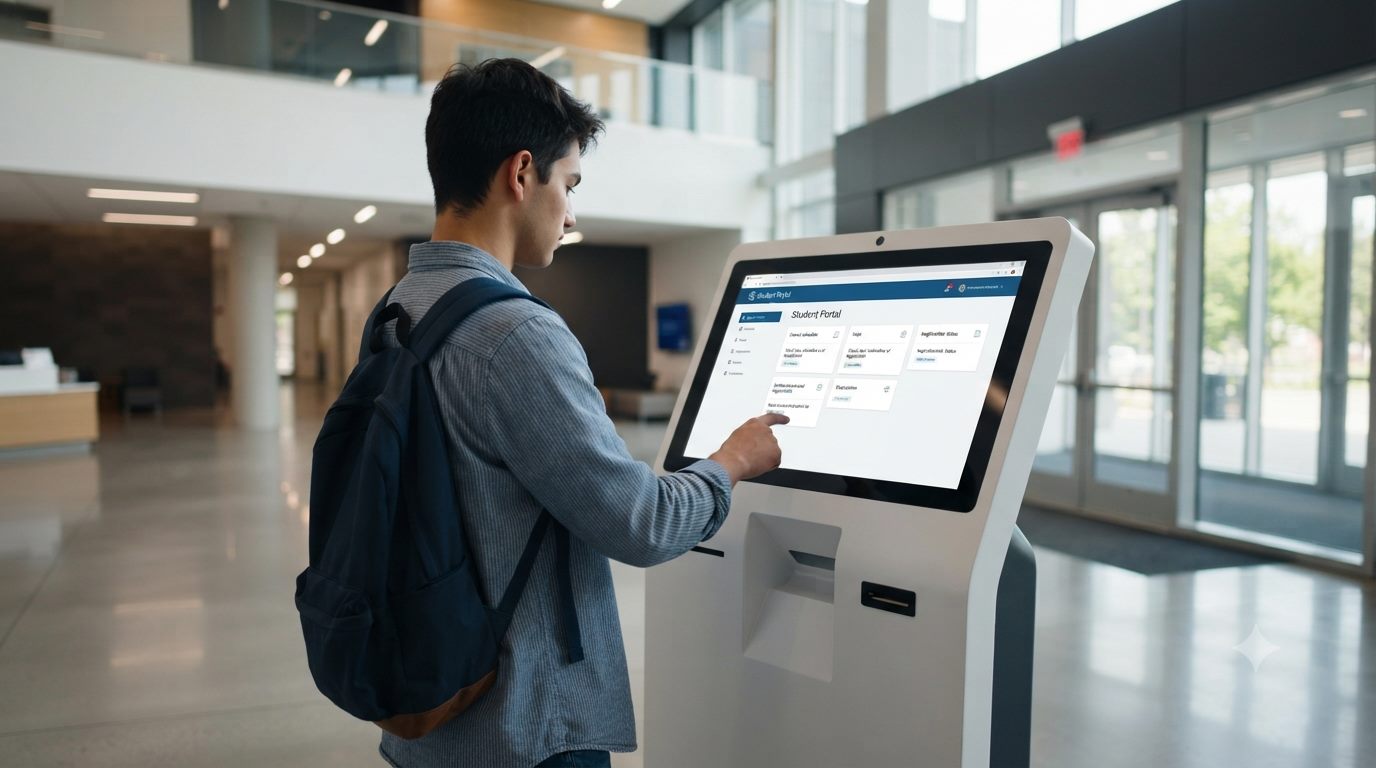
“Campus services, simplified at a touch.”
Student using a self-service kiosk student portal in a campus lobby
04

Wayfinding & Signage

Guiding every step of campus life

Digital signage keeps campus communication clear and current — sharing directions, event updates, and announcements exactly where students need them, in real time.
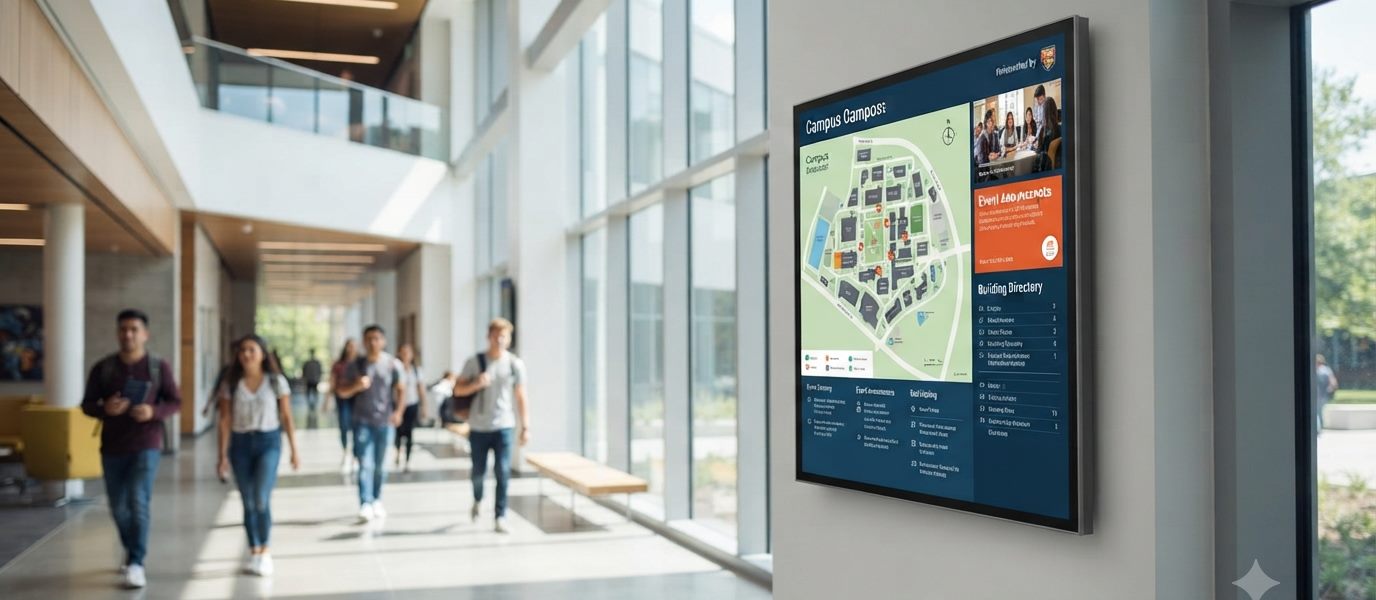
“Guiding every step of campus life.”
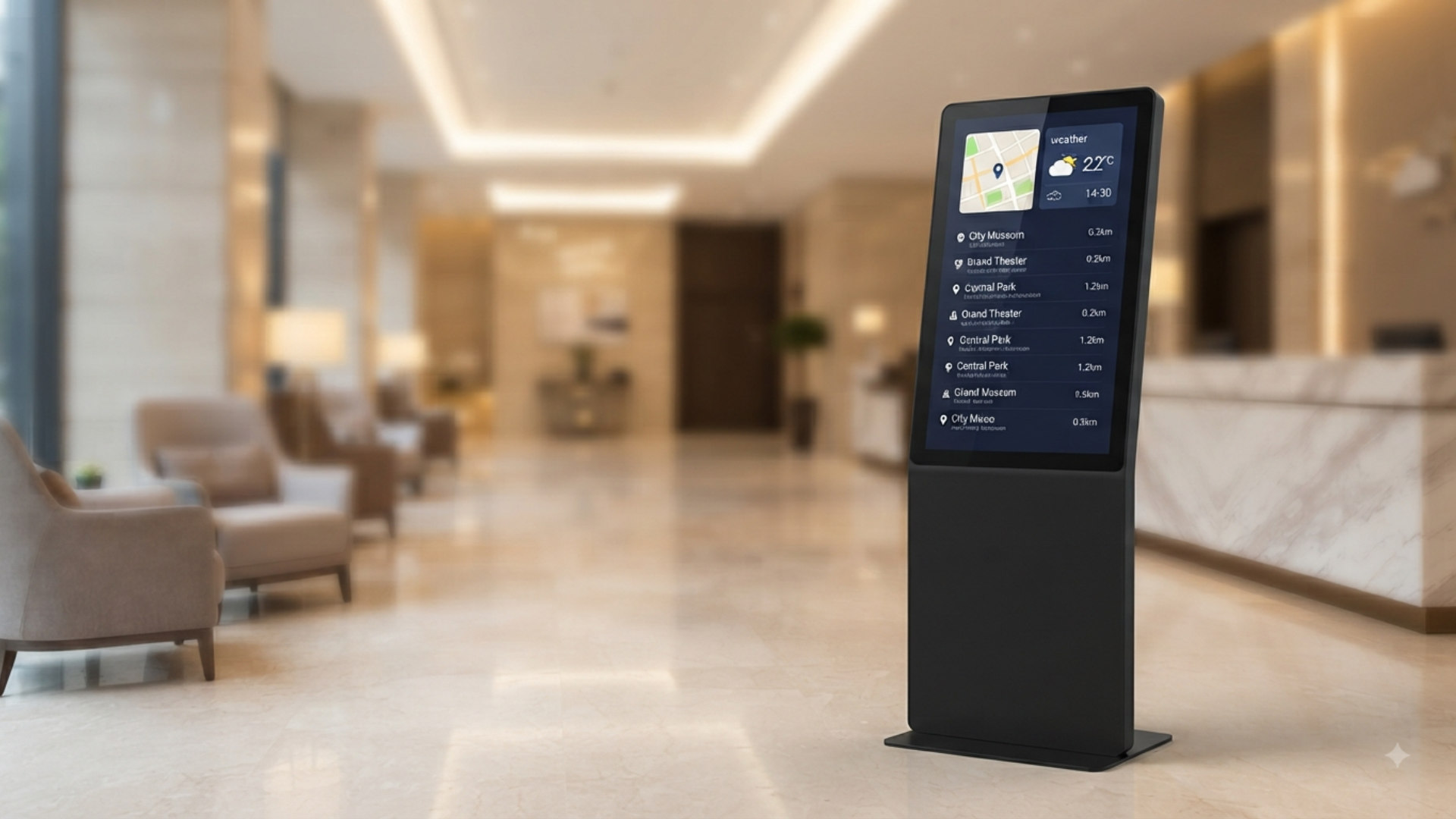
Wall-mounted digital signage showing a campus map and directory in a busy hallway
05

Research Labs

Where research meets real-time collaboration

Research thrives on collaboration. Pairing a touch table with an interactive panel lets teams analyze, share, and present findings seamlessly — from small group discussion to full lab presentation.

“Where research meets real-time collaboration.”
Research team analyzing data on a touch table with a wall panel in a lab
01
Lecture Hall Displays
Large-format IR and P-CAP touch panels with optical bonding deliver sharp 4K visuals that hold up at auditorium viewing distances.
02
Seminar & Breakout Rooms
Smaller, flexible spaces pair a touch table for group work with a portable display that moves between rooms as schedules change.
03
Smart Campus & Faculty Spaces
Wall-mounted signage and self-service kiosks handle wayfinding, faculty directories, and information points across shared buildings.
Higher Education FAQ
Can these displays integrate with our existing LMS platform?+
The Android and Windows dual-OS options let panels run browser-based and native LMS clients alongside standard classroom software.
What size fits a large lecture hall versus a seminar room?+
We carry 55" up to 98" formats. Our team reviews room depth and seating layout to recommend the right size for each space.
Do you support multi-building or multi-site campus rollouts?+
Yes. We coordinate delivery, staging, and installation across multiple buildings or campuses as part of a single project plan.
Can faculty switch between Android and Windows workflows?+
Yes, dual-OS models let faculty use the built-in Android environment or the optional OPS Windows module depending on the software they need.
What conferencing platforms are natively supported?+
Zoom, Microsoft Teams, and Google Meet run natively on Android, with models offering an optional AI camera and 8-microphone array for lecture capture.
Is there centralized management for a campus-wide deployment?+
Yes, bulk project planning and centralized rollout coordination are available so IT staff don't have to configure each room individually.
What warranty and support applies to a university-scale project?+
All core smart board lines include a 3-year hardware warranty, with extended plans and service contracts available for larger deployments.
Can we pilot in one department before a full rollout?+
Yes. Most campuses start with one lecture hall or department, then expand to seminar rooms and campus signage once the pilot proves out.
← Back to Solutions
Business & Smart Meeting Rooms

Three ways offices deploy EduPanels in meeting spaces

From a small huddle room to a client-facing reception area, these are the three setups businesses ask for most.

Meeting Room Snapshots

What EduPanels looks like across an office

From the boardroom to the front door, the same product family adapts to every space where your team meets and your visitors arrive.

01

Boardroom Presentations

Where every meeting moves ideas forward

Interactive panels turn presentations into real conversations. Teams can annotate live data, walk through proposals, and make decisions faster — all on one shared screen.

“Where every meeting moves ideas forward.”
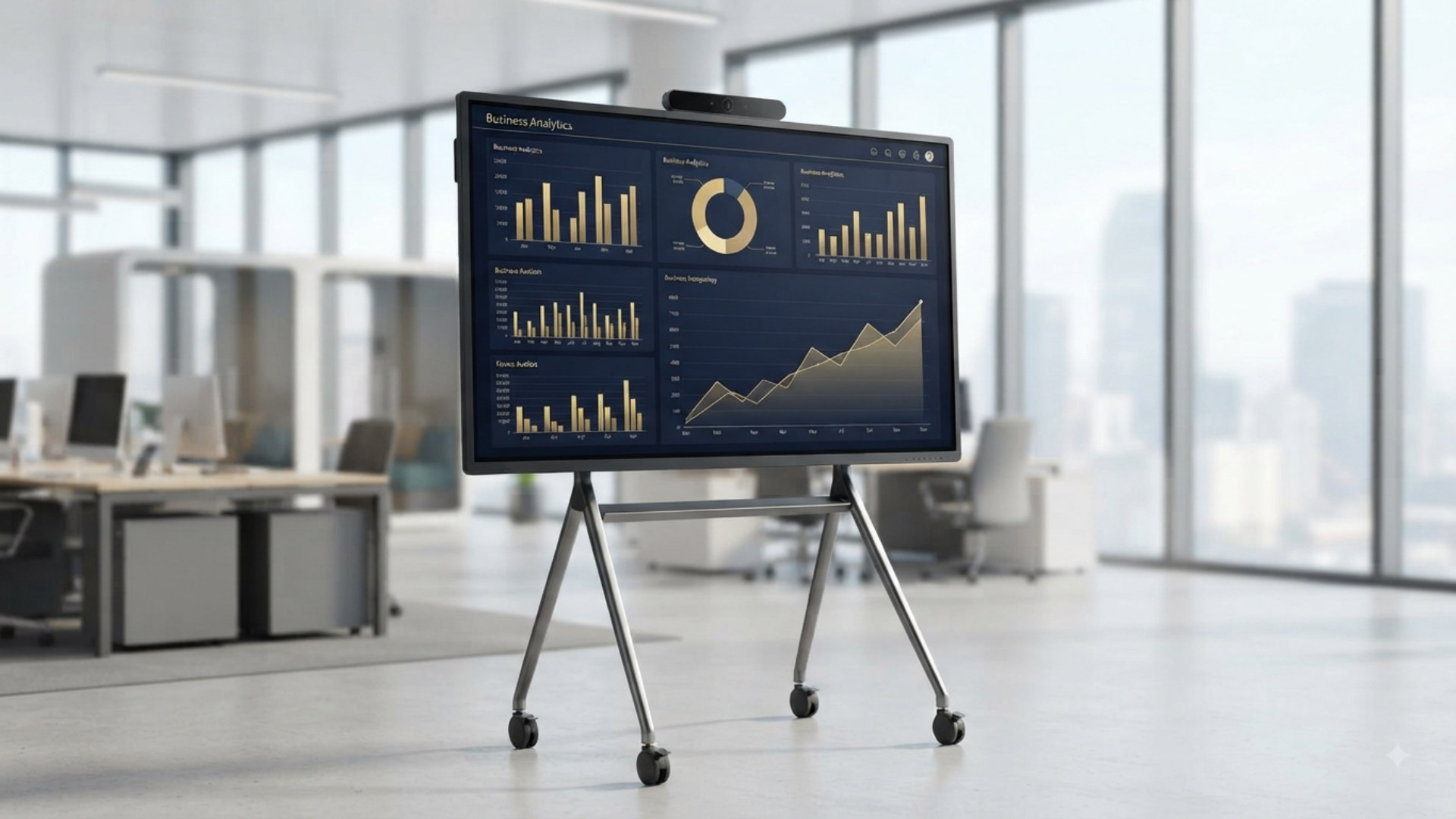
Presenter walking a boardroom through a business analytics dashboard on a wall panel
02

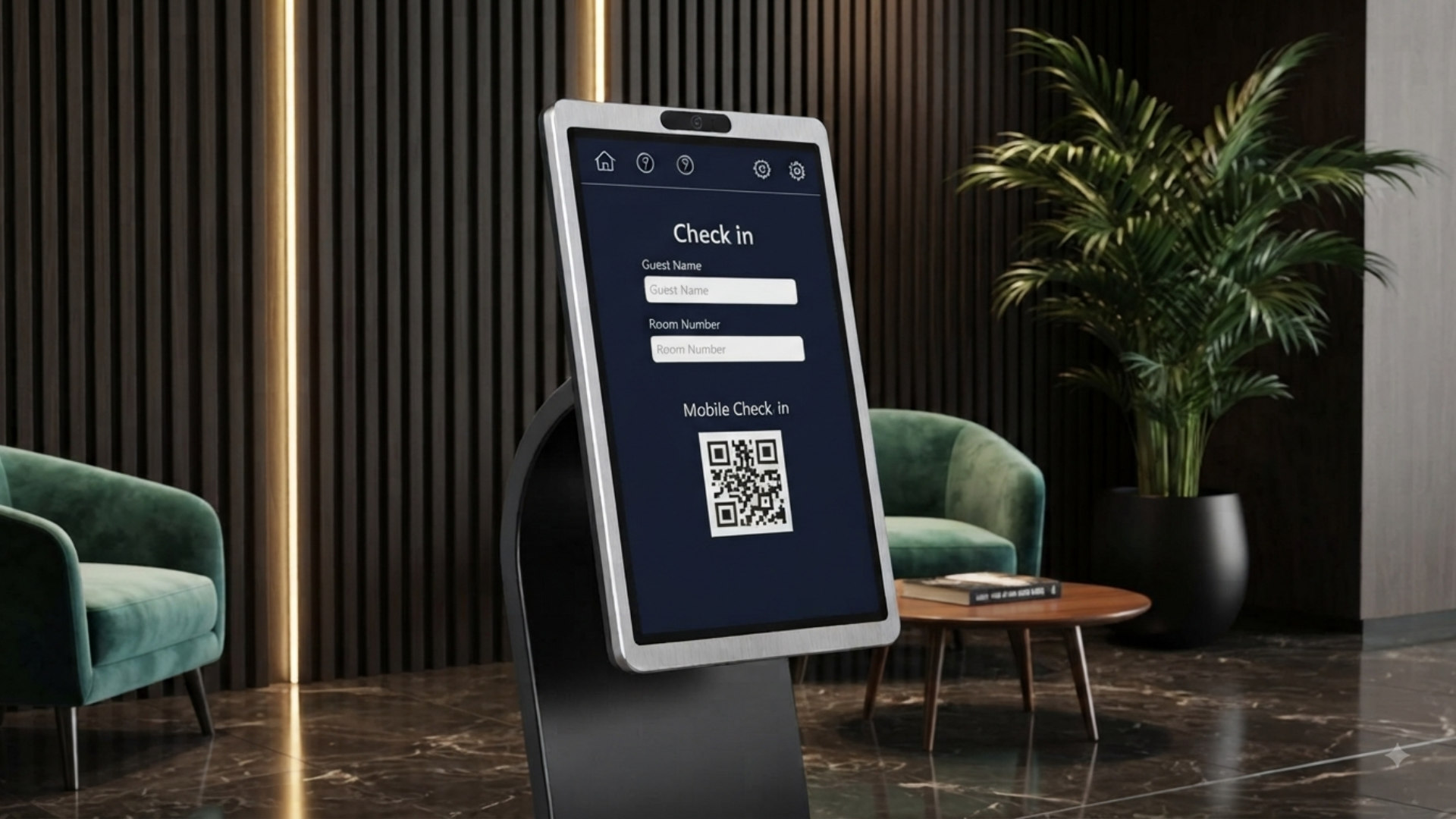
Reception & Check-In

First impressions, streamlined

Self-service kiosks make a strong first impression. Visitors check in, get directed to the right room, and hosts get notified instantly — no front-desk delays.
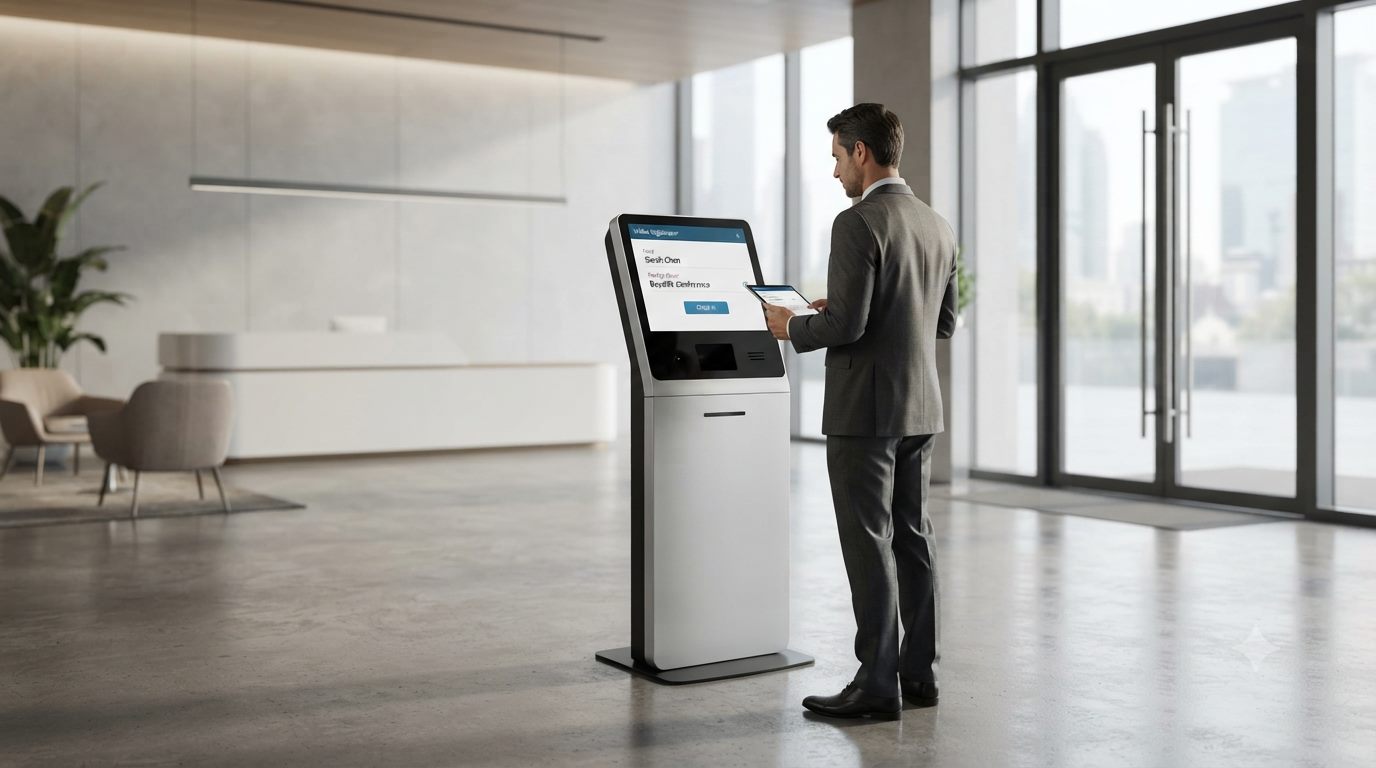
“First impressions, streamlined at the door.”
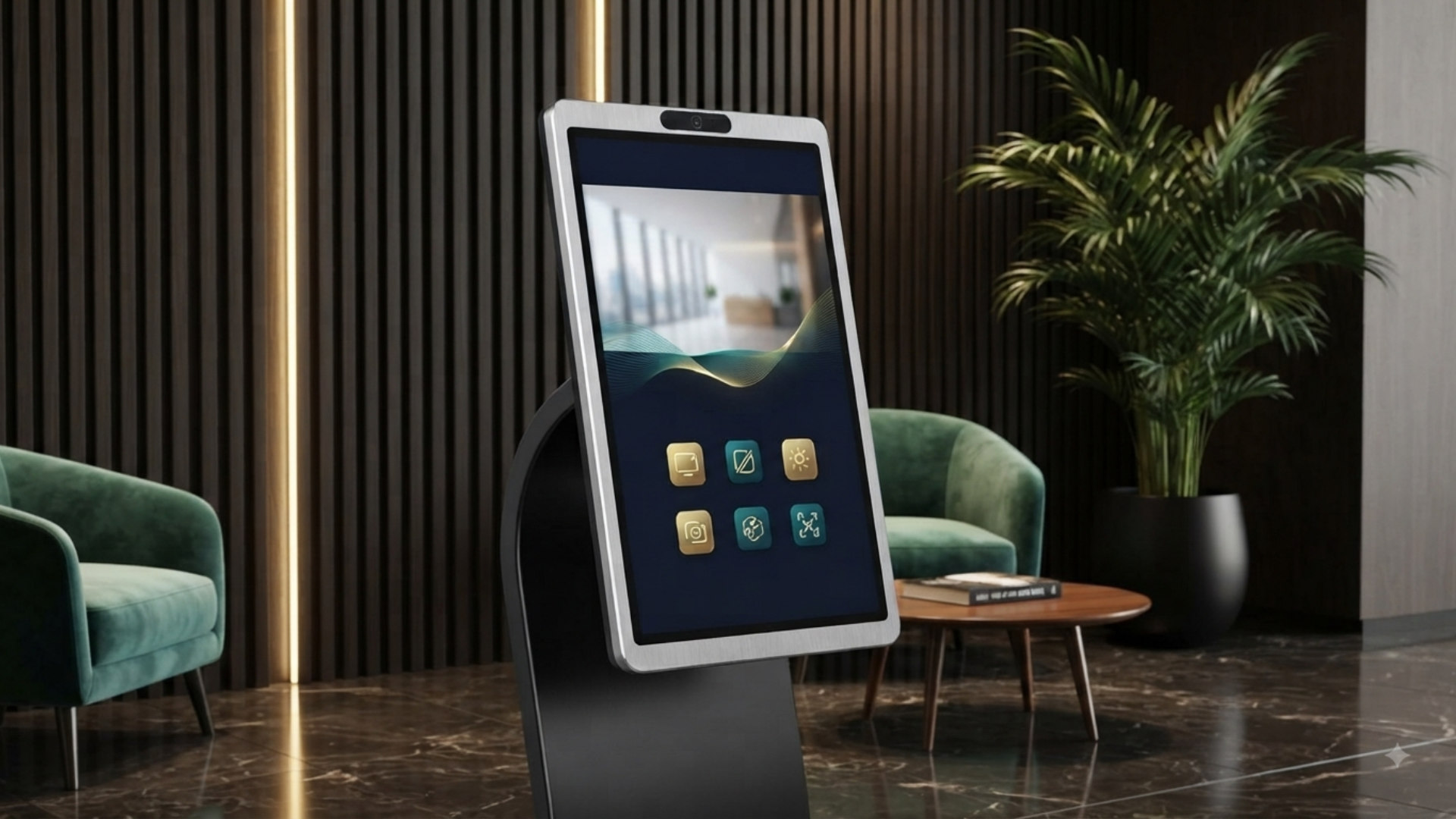
Visitor checking in on a self-service kiosk in a modern office lobby
03

Room Signage & Portable Displays

Meetings that adapt as fast as your team does

Flexible spaces need flexible technology. Wall signage keeps room availability clear at a glance, while a portable display moves wherever your team needs it — from quick huddles to client calls.
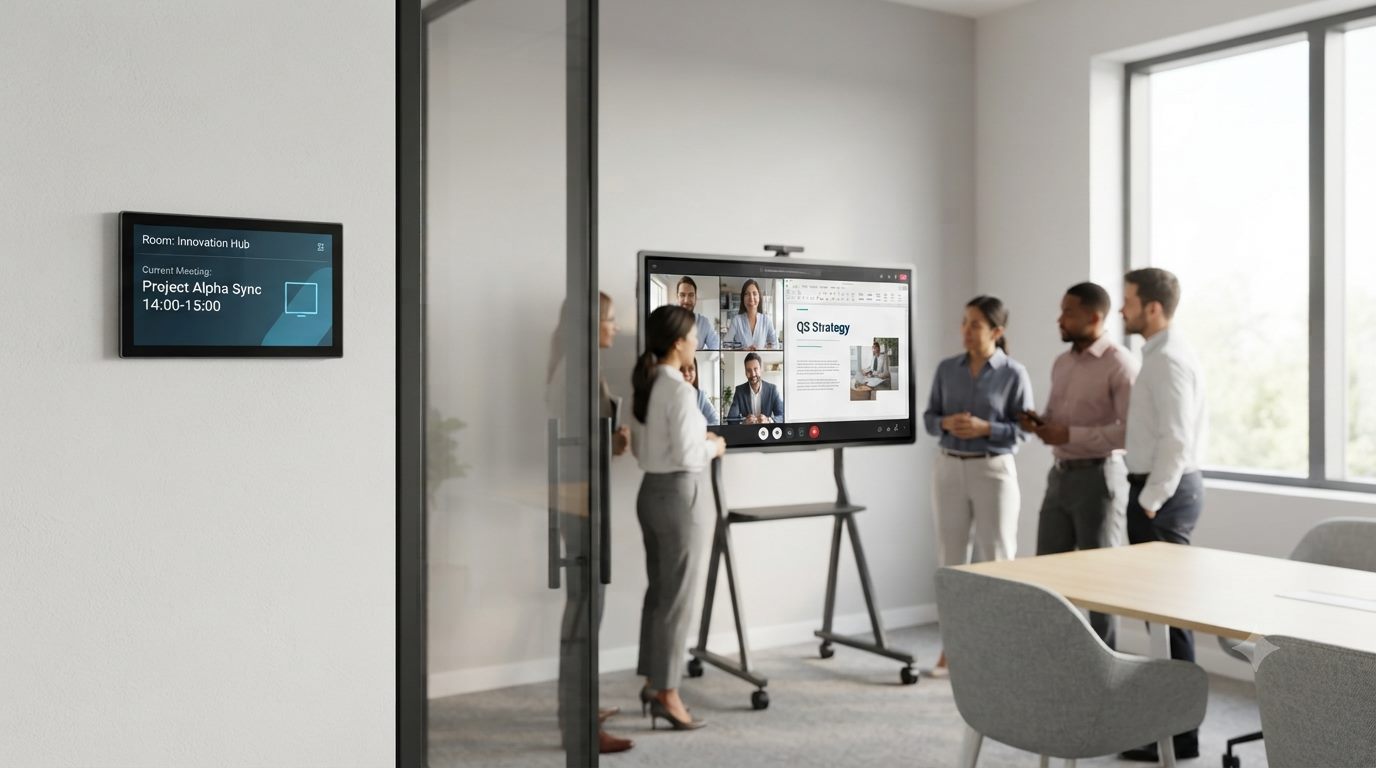
“Meetings that adapt as fast as your team does.”
Wall-mounted room booking signage beside a portable video conferencing display in a glass meeting room
01
Huddle & Small Meeting Rooms
A compact, movable smart display with a built-in camera and wireless projection covers quick huddle spaces without a fixed install.
02
Boardroom & Conference Displays
An IR or P-CAP touch panel with an optional AI camera and 8-microphone array runs Zoom, Teams, and Meet natively for full-room annotation and calls.
03
Reception & Client-Facing Spaces
Digital signage and a touch kiosk handle branding, wayfinding, and self-service check-in for visitors and clients.
Business & Meeting Room FAQ
Can the displays connect to Zoom, Teams, or Google Meet directly?+
Yes. All boards run Android OS with native Zoom, Teams, and Google Meet support, and larger models include a built-in camera and microphones.
Do you support wireless, BYOD-style presentation in meeting rooms?+
Yes, see the BYOM & Wireless Presentation page for AirPlay, screen-mirroring, and multi-device sharing details.
What size fits a small huddle room versus a large boardroom?+
Portable displays suit huddle spaces, while 65" to 98" touch panels are typically recommended for boardrooms and larger conference rooms.
Can reception-area signage be updated remotely?+
Yes, wall-mounted signage and kiosks support remote content updates so reception messaging can change without an on-site visit.
Do you provide installation across multiple office locations?+
Yes, we coordinate delivery, staging, and installation across multiple offices as part of a single rollout plan.
Are these displays compatible with existing AV equipment?+
Standard HDMI, USB-C, and OPS connectivity let the panels work alongside most existing AV and conferencing equipment already in a room.
What warranty comes with an office-wide rollout?+
All core smart board lines include a 3-year hardware warranty, with extended plans and service contracts available for larger offices.
Can we get a live demo before purchasing for our office?+
Yes, contact our team to arrange a demo or consultation before committing to a full office deployment.
← Back to Solutions
BYOM & Wireless Presentation

Three ways teams present without cables

Bring Your Own Meeting means any laptop or phone can present or join a call without extra hardware at the table.

Use-Case Snapshots

Where cable-free casting earns its keep

From closing a deal to a quick daily standup, the same wireless casting tools adapt to whoever walks up with a laptop or phone.

01

Client Pitches

Walk in. Connect. Impress.

Close deals faster with zero setup friction. Wireless casting lets you walk in, connect instantly, and keep the client's full attention on your pitch — not on cables.
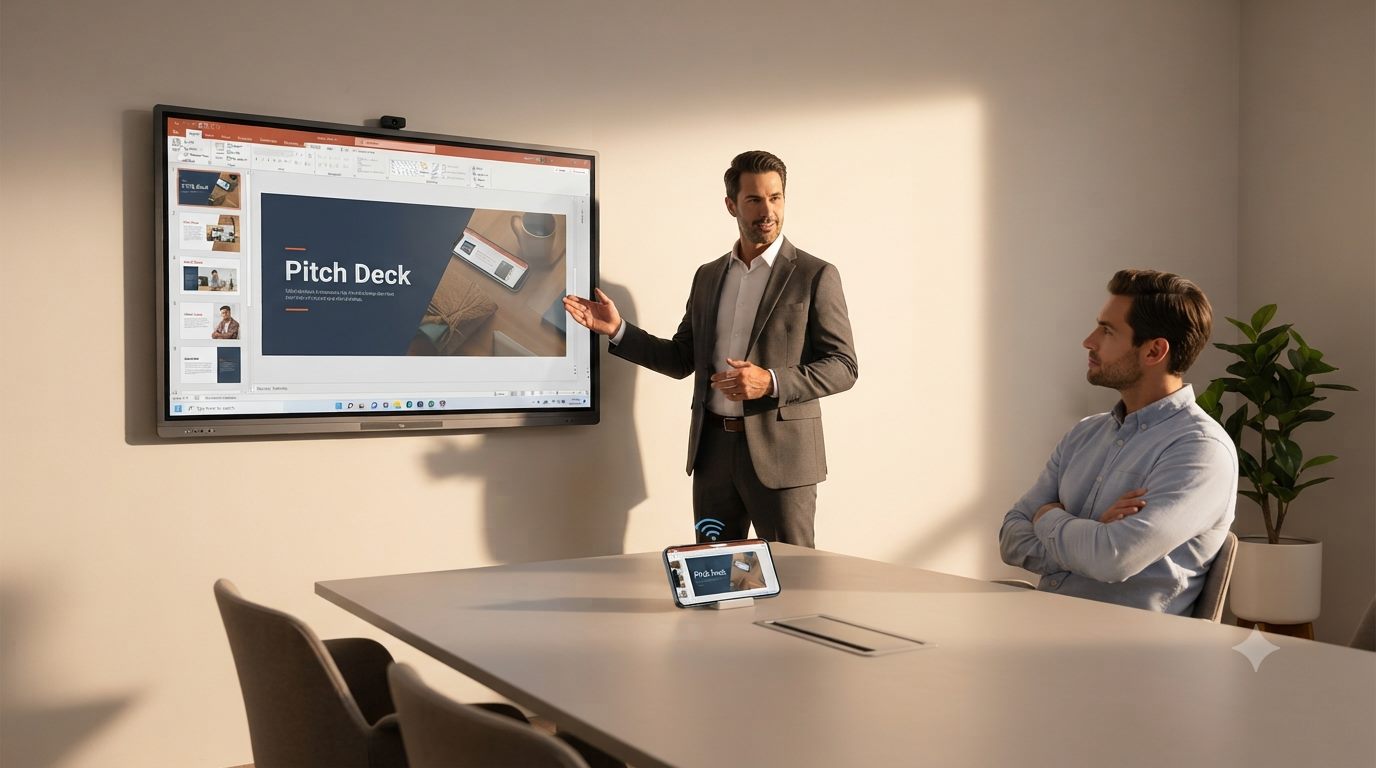
“Walk in. Connect. Impress.”
Presenter casting a pitch deck wirelessly from a tablet to a wall panel in a meeting room
02

Guest Speakers & Faculty

Any speaker, any device, instantly ready

Guest speakers and visiting faculty can present without needing IT support or unfamiliar cables — just open a laptop and cast, so the focus stays on the material.

“Any speaker, any device, instantly ready.”
Guest lecturer presenting Global Climate Trends to a lecture hall of students with laptops
03

Creative Reviews

Where every idea lands on the table

Creative teams can pull work straight from any device onto a shared table, keeping feedback sessions fluid and ideas moving without breaking the creative flow.

“Where every idea lands on the table.”
Creative team reviewing design work cast from a tablet onto a touch table
04

Tutoring & Small Groups

Teaching that keeps pace with every question

One-on-one or small group tutoring becomes more interactive when any device can cast material instantly, while live annotation keeps explanations clear and personal.
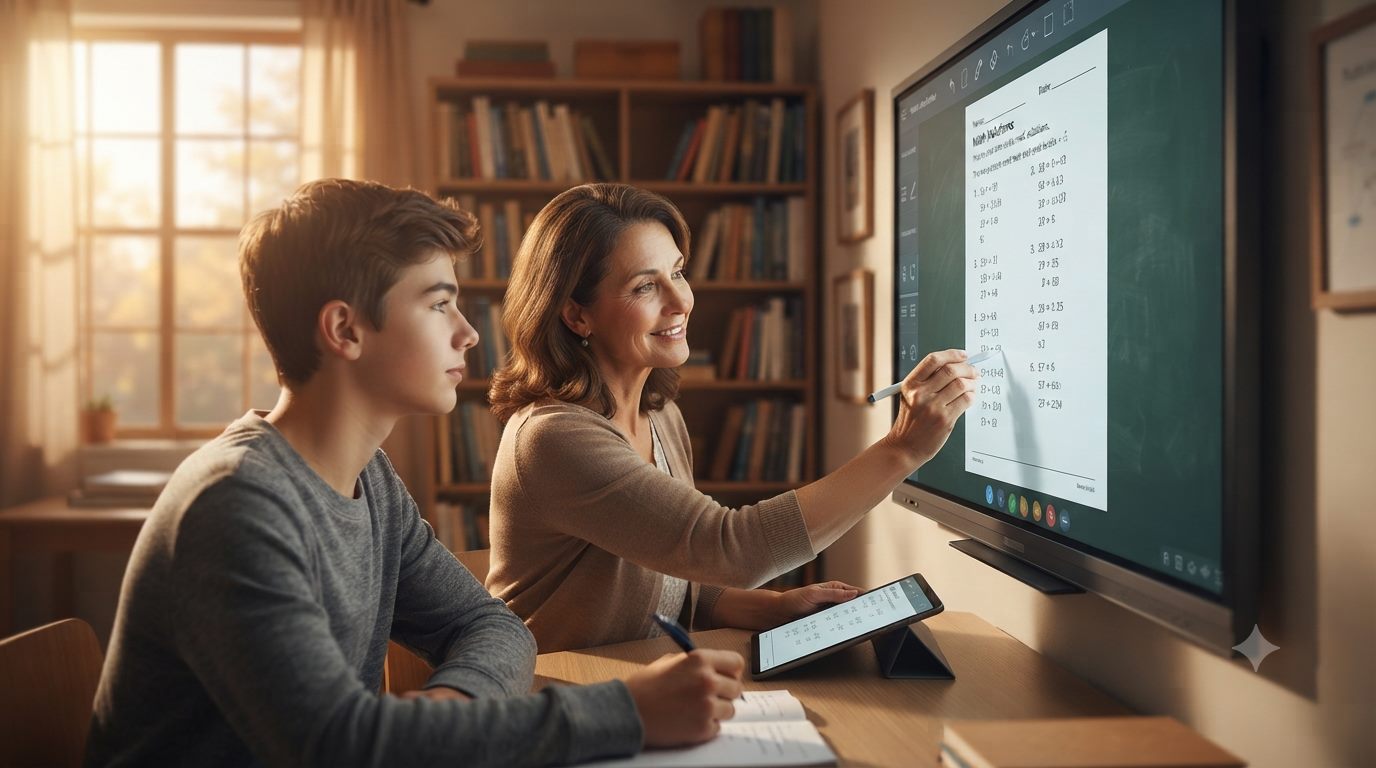
“Teaching that keeps pace with every question.”
Tutor annotating a math worksheet cast onto a panel during a one-on-one lesson
05

Daily Standups

Fast meetings, fully connected

Quick daily standups stay quick — wireless casting means anyone can pull up the task board in seconds, keeping the whole team aligned without slowing down the day.
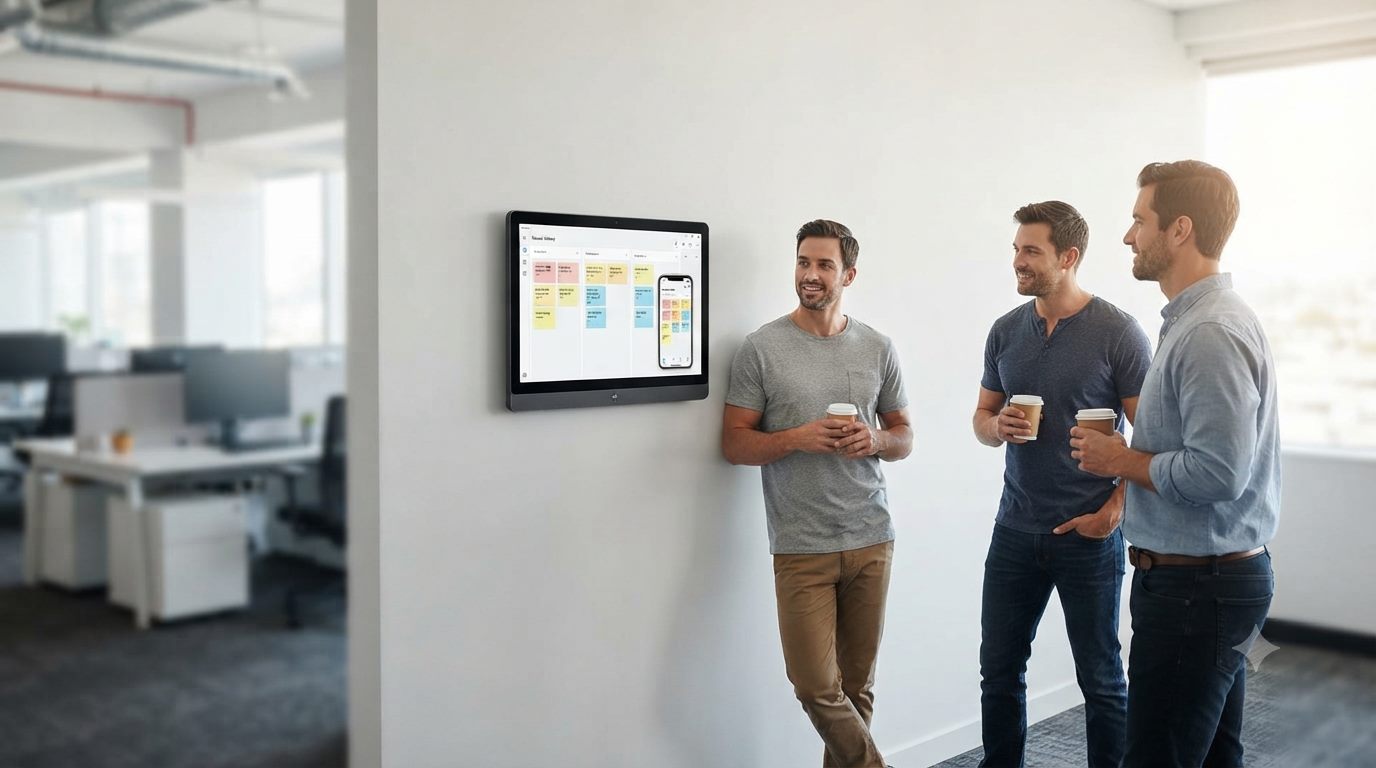
“Fast meetings, fully connected.”
Team casting a task board from a phone to a wall panel during a daily standup
01
Wireless Screen Mirroring
AirPlay and a screen-mirroring dongle let any laptop or phone connect to the panel without a cable, dongle drivers, or extra software.
02
Multi-Device Meetings
Native Zoom, Teams, and Meet apps run directly on Android, with an optional AI camera and 8-array microphones for full-room audio pickup.
03
PC-Driven Presentations
The optional OPS pluggable module turns the panel into a full Windows PC for presenters who need a native desktop instead of Android.
BYOM FAQ
What is BYOM and how does EduPanels support it?+
BYOM (Bring Your Own Meeting) means presenters use their own laptop or phone to run the meeting, while the panel just displays and shares the room's audio and video.
Do I need to install software on my laptop to present wirelessly?+
No extra software is required for AirPlay or the screen-mirroring dongle. Just connect and share your screen directly.
Which platforms are supported for screen mirroring?+
AirPlay is supported natively, and a screen-mirroring dongle extends wireless casting to a wider range of laptops and phones.
Can multiple people share their screens in the same session?+
Yes, the wireless casting tools support smooth content sharing from multiple student devices, staff laptops, or meeting participants.
Do the panels work with our existing Zoom or Teams accounts?+
Yes, Zoom, Microsoft Teams, and Google Meet run natively on the Android OS, using your existing accounts and meeting links.
What is the OPS module and do I need it?+
The OPS pluggable module adds a full Windows PC inside the panel. It's optional, and only needed if you rely on Windows-only software.
Is a wireless mirroring dongle included or optional?+
The screen-mirroring dongle and smart pens are shown as optional accessories on our brochures, so they can be added based on your setup.
Can this work in a room with no existing AV infrastructure?+
Yes. Since the panel itself runs Android with built-in wireless casting and conferencing apps, it can operate as a standalone system without extra AV hardware.
Resources

Planning tools, support paths, and buying resources

Four places to go depending on what you need next: browse brochures, understand support and warranty, get quick answers, or start scoping a project.

Catalogs
Product Brochures

Request curated brochures and visual sheets for the exact product families relevant to your project.

Browse Brochures
Support
Warranty & Deployment

Understand rollout support, onboarding, service expectations, and how EduPanels guides installations.

See Support Path
Guidance
FAQ & Buying Questions

Review the most common questions around product sizes, installation, delivery, and training.

Open FAQ
Planning
Quote & Project Scoping

Move directly into consultation for room sizing, product selection, and multi-site deployment planning.

Start Planning
← Back to Resources
Product Brochures
“Interactive Technology for Every Space — Education, Business, and Beyond.”

EduPanels designs and delivers interactive display solutions built for classrooms, campuses, offices, and public spaces. From 4K touch panels to self-service kiosks, our products help teams and learners engage, collaborate, and present with confidence — backed by full consultation, installation, and after-sales support.

Five Product Families

One ecosystem, every space covered

Jump straight into a category, or scroll through the full lineup below.

01

Interactive Panels

Large-format 4K touch, built to lead the room

Large-format 4K touch panels (IR and P-CAP) built for classrooms and boardrooms alike. Features include native Android apps for Zoom, Teams, and Meet, optional AI camera and 8-microphone array, wireless AirPlay and dongle screen mirroring, and an optional OPS module for full Windows PC functionality.

Best for: Lecture halls, boardrooms, smart classrooms.
Large-format EduPanels interactive touch panel on a mobile stand in a modern office
02

Touch Tables

Hands-on collaboration, built for teams

Capacitive multi-touch tables (32 to 43 inches) designed for hands-on, collaborative learning and teamwork. Supports simultaneous multi-user writing, screen sharing, and Android/Windows dual-system flexibility.
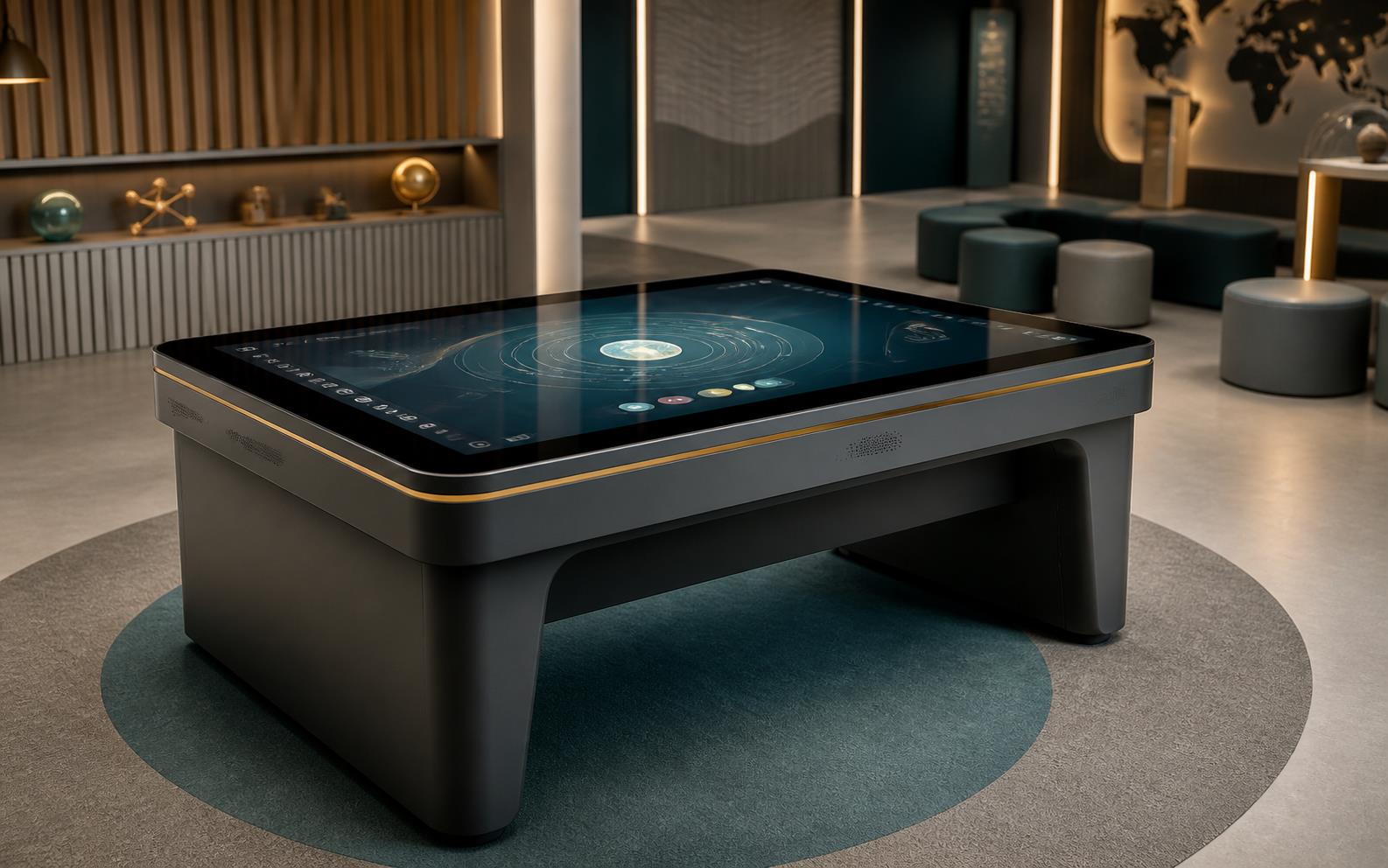
Best for: Group learning, labs, design studios, seminar rooms.
EduPanels multi-touch table family in collaborative learning settings
03

Self-Service Kiosks

Faster service, zero wait in line

Freestanding touch kiosks (21.5 to 65 inches) for ordering, check-in, wayfinding, and information access. Options include POS, NFC, and receipt printer modules, with cloud-based remote management.
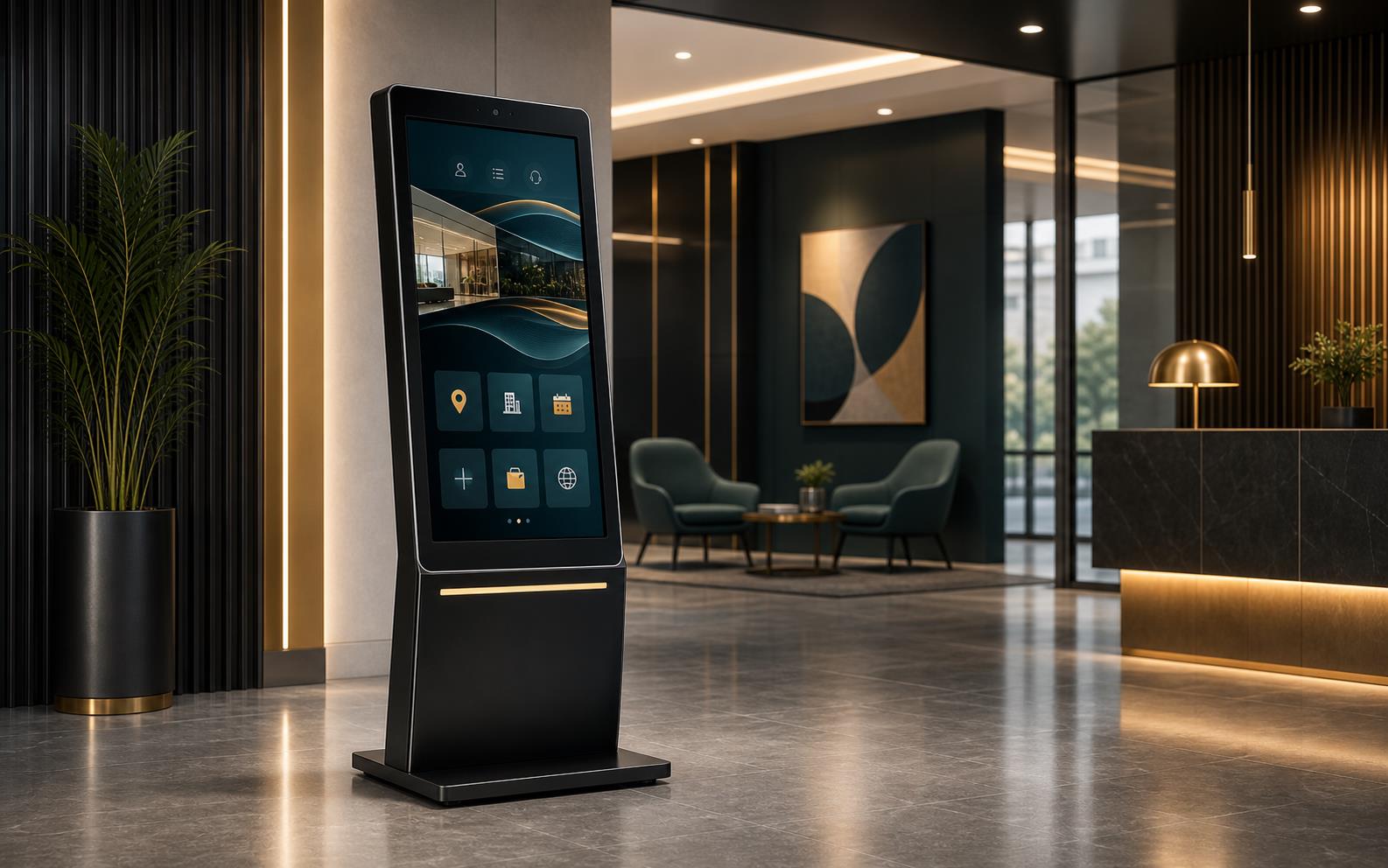
Best for: Restaurants, retail, reception lobbies, campus service points.
EduPanels self-service kiosk family in retail and lobby settings
04

Digital Signage

Messaging that updates itself

Floor-standing, wall-mounted, and A-board digital displays for advertising, menus, and wayfinding. Ultra-thin metal frames, 4K resolution, and remote content publishing via cloud management.
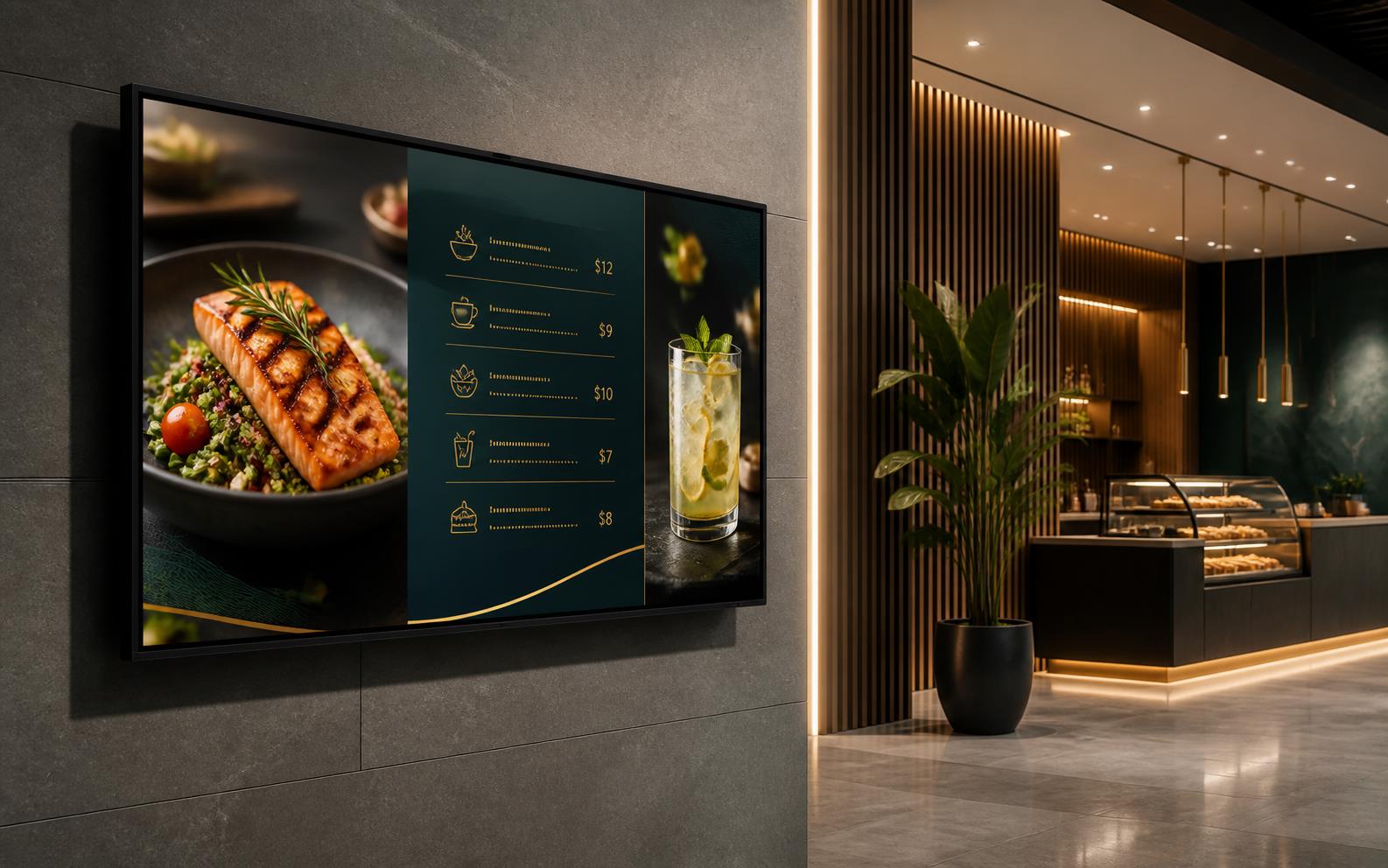
Best for: Retail storefronts, restaurants, hotels, corporate lobbies.
EduPanels digital signage family in retail and hospitality settings
05

Portable TV

A screen that moves with your day

Battery-powered, wireless touchscreen displays (24 to 32 inches) with adjustable stands — rotate, tilt, swivel, and adjust height. Includes a detachable desktop mode with built-in camera for video calls.
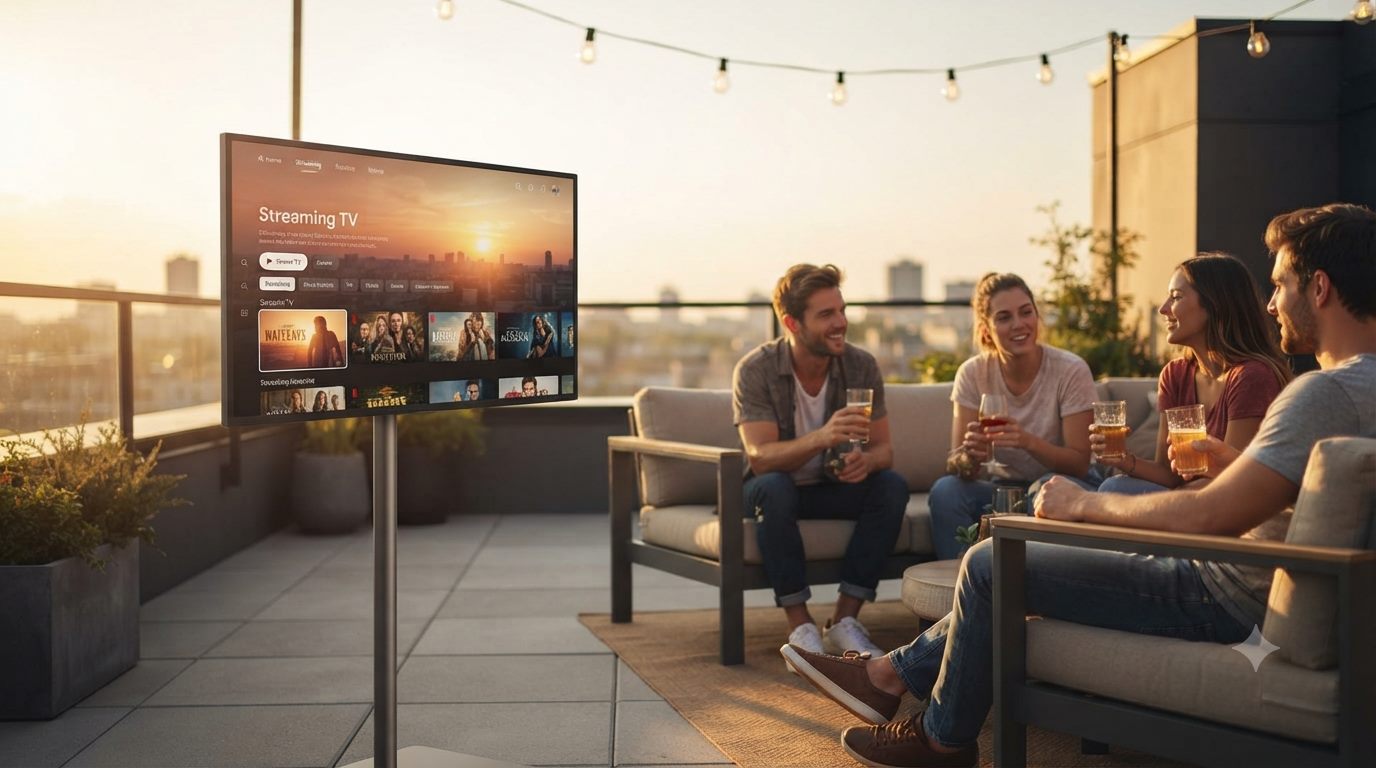
Best for: Home, huddle spaces, flexible offices, outdoor use.
EduPanels portable touchscreen display streaming content on an outdoor rooftop patio
“Whatever the room, whatever the need — EduPanels brings the right screen, the right tools, and the right support to make technology work for you.”

Need a formatted PDF for internal approval or a tender document? Tell us which products are on your shortlist and we will send the exact sheets.

← Back to Resources
Warranty & Deployment

What to expect after you order

The same three-step process guides every EduPanels project, backed by the warranty and training that comes with it.

Support Snapshots

What warranty and support look like in practice

From the moment your order ships to the day you need a repair years later, here is what's actually behind the warranty and support promise.

01

Packaging & Logistics

Protected from warehouse to doorstep

Every panel, kiosk, and table ships in protective foam-lined packaging, with delivery coordinated to match your installation timeline and site access requirements.
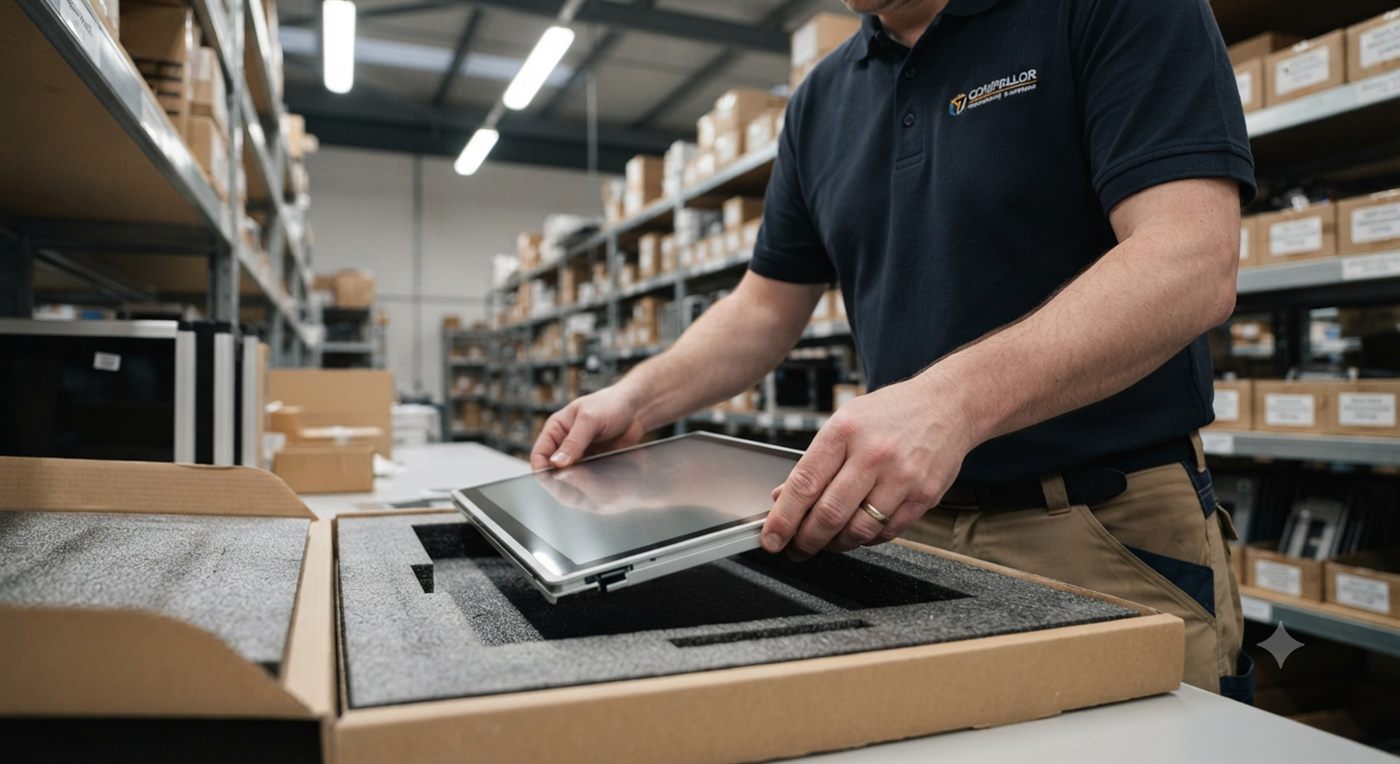
“Packed for the trip, not just the shelf.”
Technician carefully packing a touch panel into protective foam-lined packaging in a warehouse
02

Installation & Handover

A clean handoff, not just a delivery

Once installation is complete, our team walks through the system with you on site, confirms everything is fully operational, and hands over a working setup, not just a box.

“The job isn't done until you're ready to use it.”
Installer shaking hands with a client in front of a wall panel showing System Operational
03

Warranty Registration

Your 3-year warranty, on record from day one

Every EduPanels unit ships with a 3-year hardware warranty. Registering your product after installation confirms coverage and gives you a direct record for any future service request.
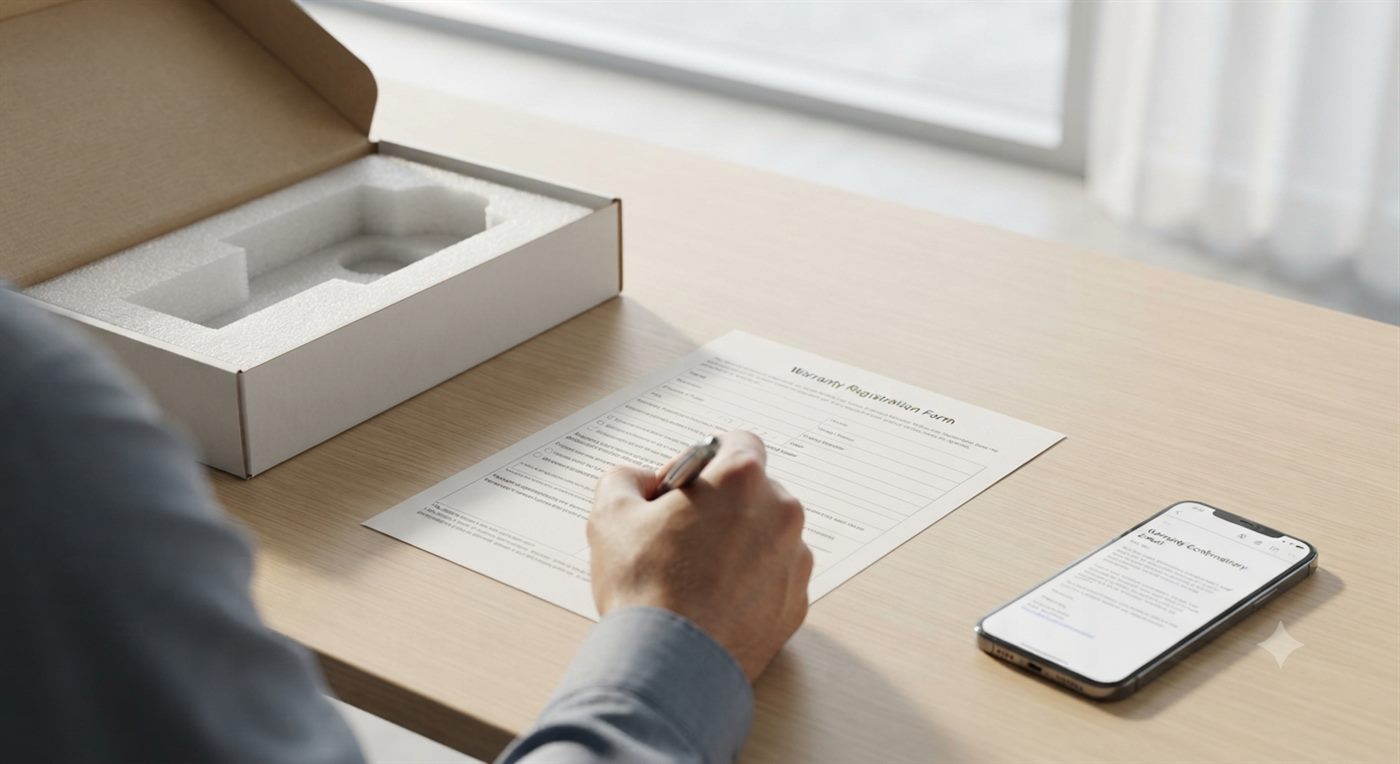
“Simple paperwork, real protection.”
Person signing a warranty registration form next to an opened product box and a warranty confirmation email
04

On-Site Service

When something needs a closer look

If a unit ever needs a repair or inspection, our technicians can service it on site, checking hardware, connections, and software without requiring you to ship the unit back.
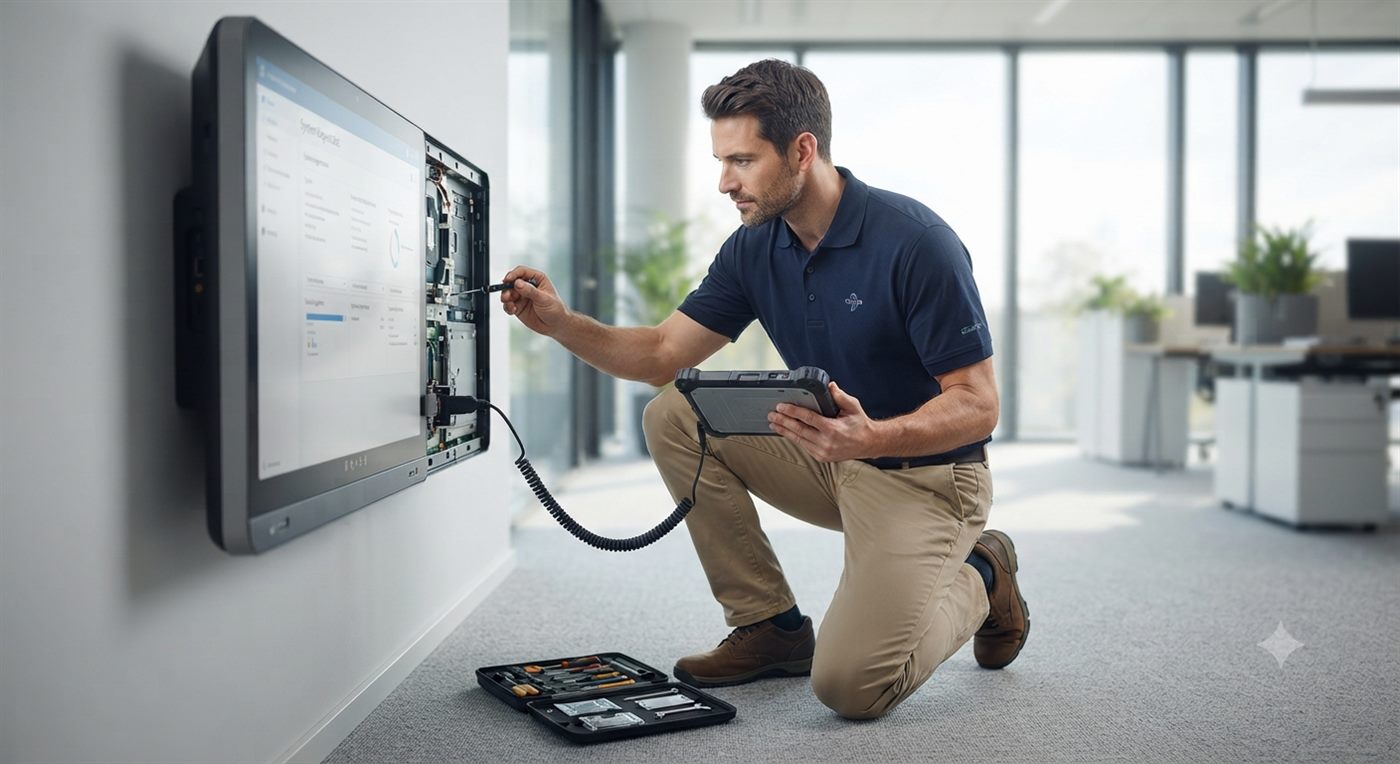
“Support that comes to you, not the other way around.”
Technician servicing an open interactive panel on a wall with a tablet and tool kit
05

Remote Support

A real person, one call away

For day-to-day questions, troubleshooting, or software help, our support specialists are available remotely by phone, video call, or messaging, no ticket queue required.
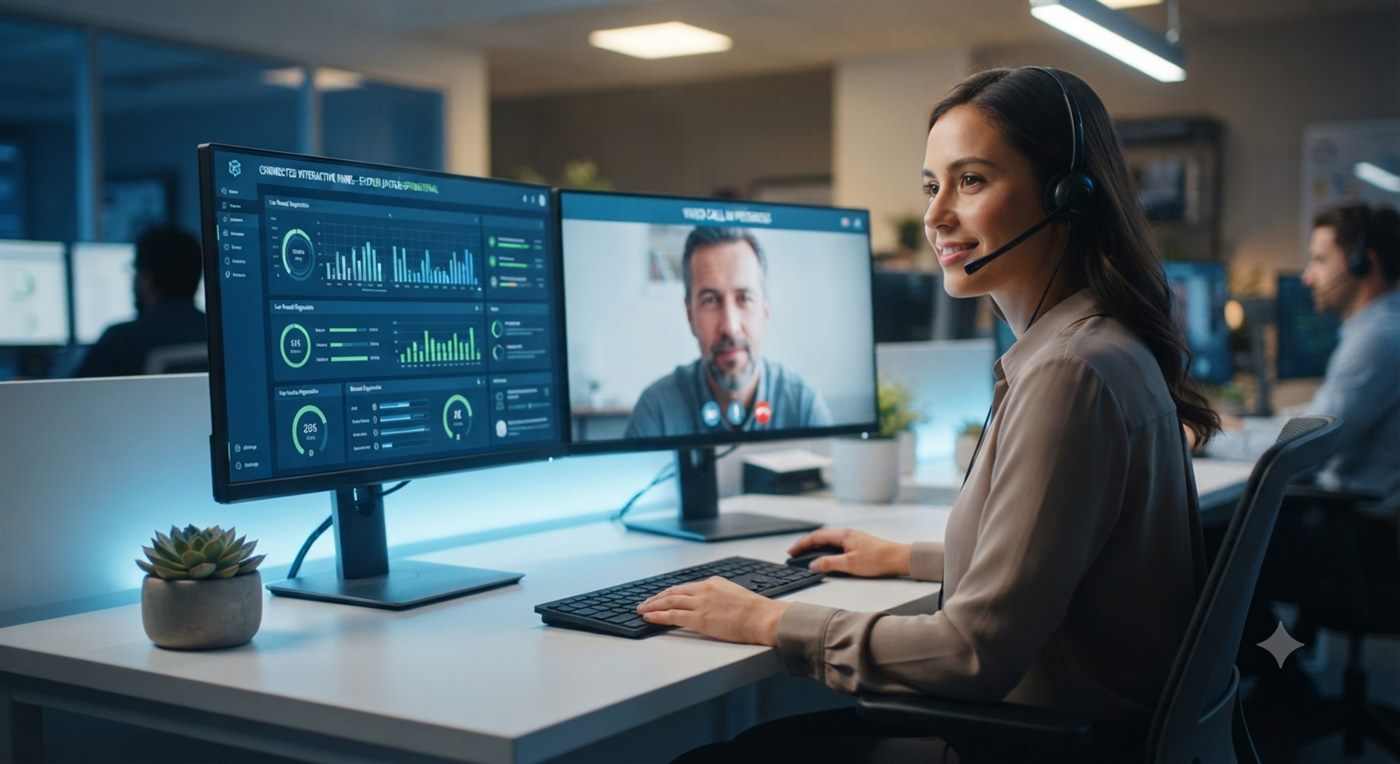
“Help that doesn't make you wait in line.”
Support specialist on a video call at a desk with dashboards showing a connected interactive panel
01
Consult & Scope
We review room types, audience needs, product fit, and rollout priorities before recommending a final direction.
02
Supply & Install
Products are coordinated for delivery, staging, installation, and setup with the right partner path for your location.
03
Launch & Support
Training, onboarding, and after-sales support help your team adopt the solution confidently after deployment.
Support & Warranty FAQ
What warranty do the smart boards come with?+
All EduPanels smart boards include a 3-year hardware warranty. Extended plans and annual service contracts are also available.
Do you offer teacher or staff training after installation?+
Absolutely. We offer on-site or remote training sessions covering whiteboard software, wireless casting, lesson management, and daily best practices so your team is ready immediately.
Do you provide international delivery and installation support?+
Yes. EduPanels supports projects worldwide and can coordinate export logistics, remote onboarding, and certified or partner-led installation depending on your country and project size.
← Back to Resources
Quote & Project Scoping

Tell us the project, get a real number back

Every quote starts with a short scoping conversation so the recommendation fits your rooms, not a generic package.

Before You Submit

A real number, built around your rooms

No generic package pricing. Every request goes through a short scoping step so the number you get back actually matches your space, product mix, and timeline.

01

How Scoping Works

A short conversation before any number

We review room types, audience needs, product fit, and rollout priorities before recommending a final direction and a real quote — not a generic package.
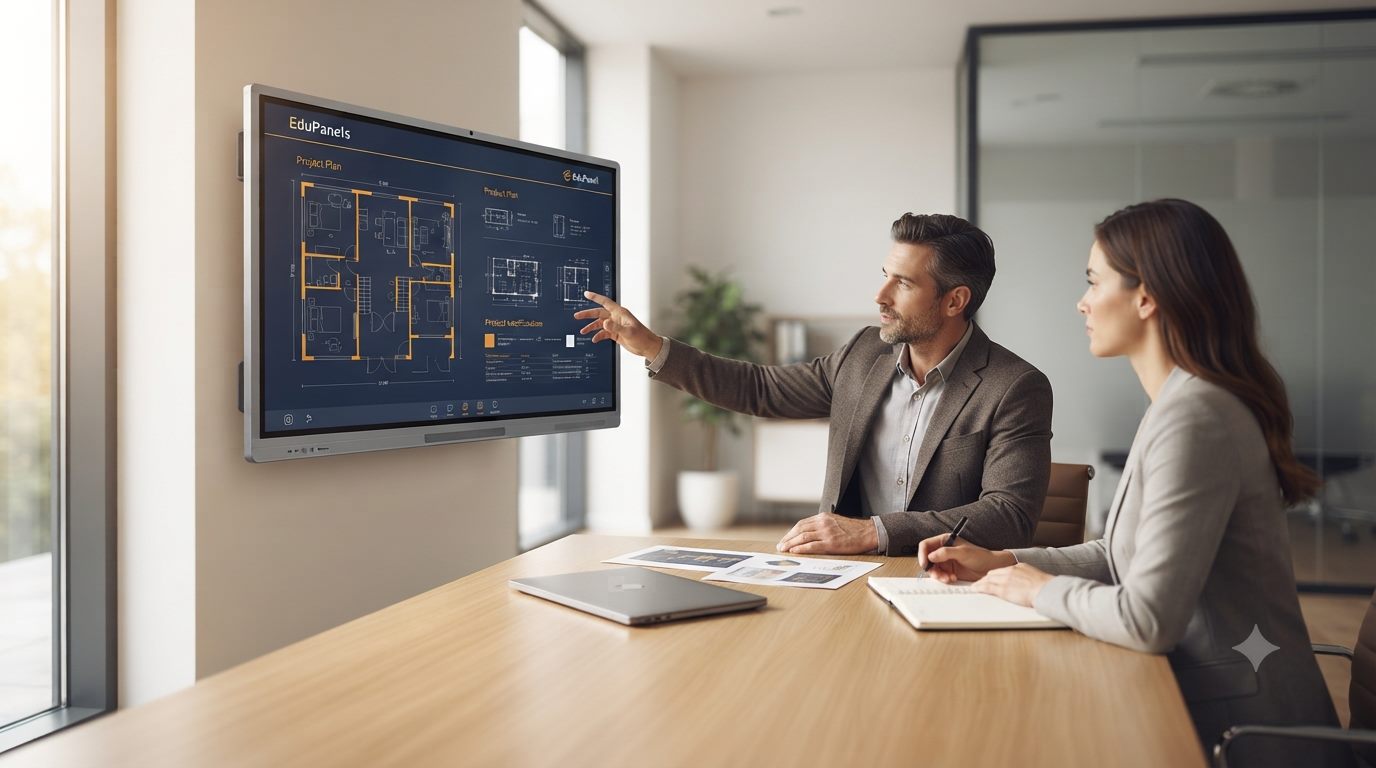
Team reviewing a project plan on an interactive panel during a scoping consultation
Quote & Ordering FAQ
What happens right after I submit a request?+
Our team reviews your room count, product interest, and timeline, then follows up within 24 hours to confirm details before sending a real, itemized number.
How long does it take to get pricing back?+
Most straightforward requests get a response within 24 hours. Larger multi-room or multi-site projects may need a short scoping call first to confirm scope before final numbers.
Do you offer bulk or multi-unit pricing?+
Yes, competitive bulk pricing applies to schools, offices, and rollouts ordering multiple units. Include your unit count in the request for an accurate number.
Can we start with one room before a full order?+
Yes. Many projects start with a single classroom, meeting room, or lobby as a pilot, then expand once that first install is proven out.
Is installation and delivery included in the quote?+
Delivery and installation coordination can be included as part of the same quote. Let us know your site access and location so it's accounted for from the start.

Ready to get a real quote?

Tell us your room count, product interest, and timeline, and we will follow up within 24 hours.

← Back to About Us
Proof & Trust

The track record behind every claim

Real deployment numbers, independent durability testing, and the distribution relationships that back every EduPanels project, not just testimonials.

Global AV supply with practical rollout support.

EduPanels operates as a complete solutions provider, not only a product catalog. That means clearer product families, stronger trust signals, and a buying path that feels closer to a mature enterprise technology brand.

15+Years of market experience
10K+Panels and display systems installed
Multi-RegionDelivery, onboarding, and partner coordination
3-YearWarranty support on core smart board lines
Evidence, Not Just Claims

What actually backs up the numbers above

Every metric on this page ties back to something concrete: a delivery network, an independent durability test, or a sector we have actually shipped into.

01

Global Delivery Track Record

Over a decade of real rollouts, not pilots

15+ years and 10,000+ panels and display systems installed across multiple regions means the delivery, staging, and onboarding process has been proven on real projects, not just written into a proposal.
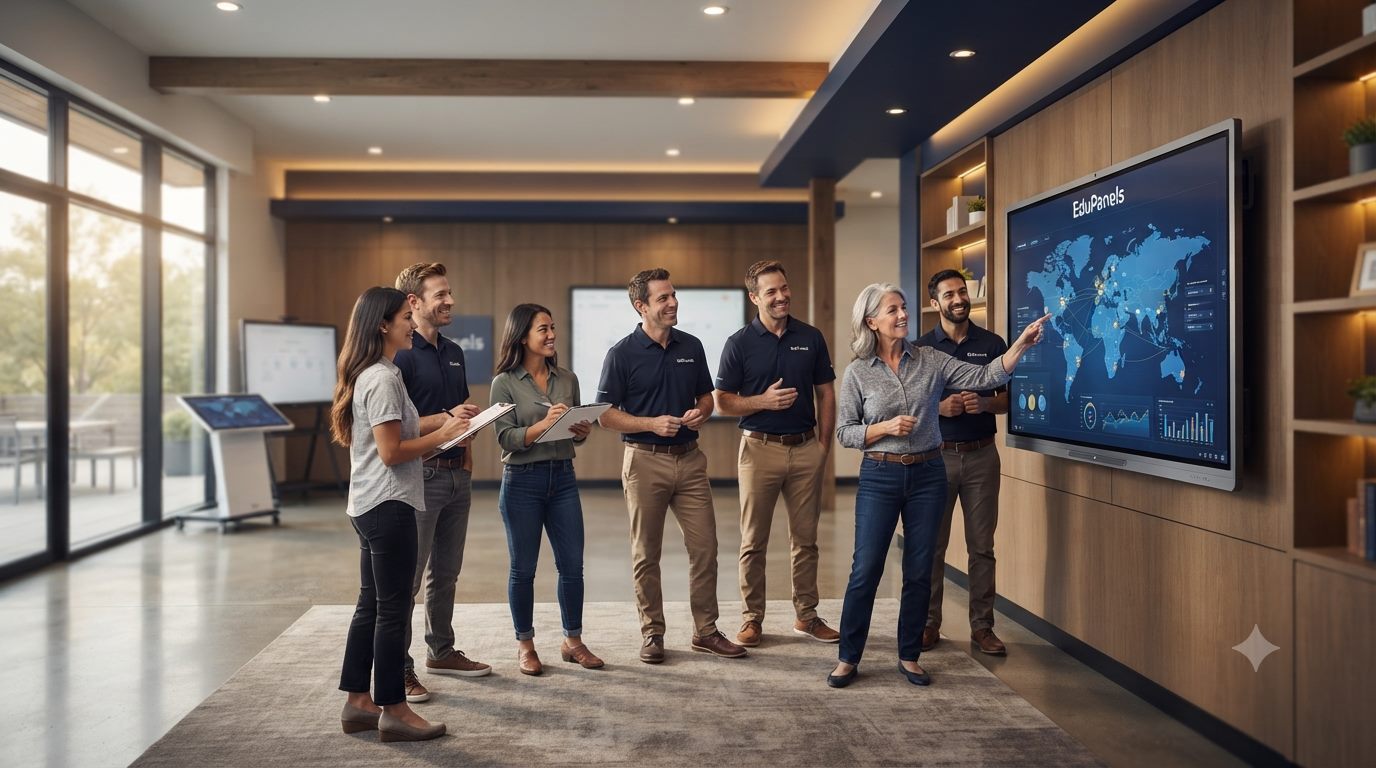
EduPanels global delivery and support network with team and world map
02

Engineered & Independently Tested

Durability that's tested, not just claimed

Reinforced frames, impact-tested glass, and commercial-grade hardware are backed by a 3-year hardware warranty on core smart board lines, so the durability claim comes with a real coverage commitment behind it.
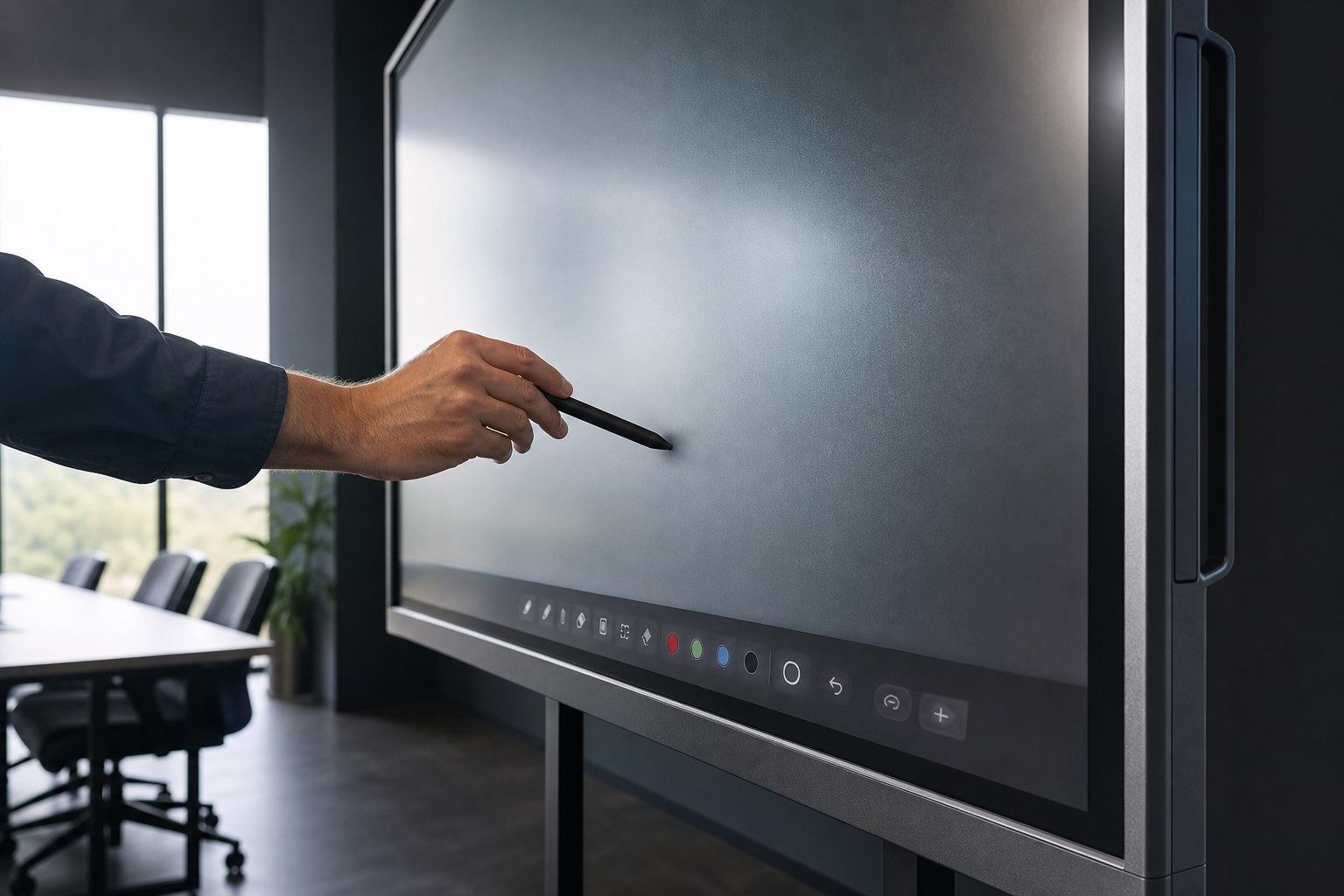
Rugged EduPanels touchscreen built and tested for daily commercial use
03

Proven Across Sectors

Not a single-industry product line

The same core hardware has been deployed into K-12 classrooms, university lecture halls, and corporate boardrooms, so the platform has already been stress-tested against very different daily-use conditions.

EduPanels interactive panel deployed in a corporate boardroom setting
What Customers Say
★★★★★
"Installation was seamless and incredibly professional. Students became more engaged immediately after we rolled out the 75-inch boards. EduPanels understood exactly what our classrooms needed."
SM
Sarah Morgan
Principal, Horizon International School
★★★★★
"We equipped 14 classrooms with the 86-inch panels. Wireless casting has been a game-changer for collaborative learning, and the deployment process was smooth from planning to training."
DL
Daniel Lee
IT Director, Global Learning Academy
★★★★★
"Excellent after-sales support and fast response times. The panel quality feels premium, and the rollout plan worked well for multiple campuses in different locations."
RH
Rania Haddad
Operations Lead, Future Skills Network
★★★★★
"We outfitted three boardrooms with touch panels and BYOM casting. Guests connect in seconds regardless of their laptop, and IT hasn't had a single support ticket since installation."
KA
Karim Aoun
Facilities Manager, Meridian Business Group
Authorized Distributor & Partner Network
MAXHUB
NEWLINE
PROMETHEAN
HISENSE
SHARP NEC
CLEVERTOUCH
Trust & Assurance FAQ
How can we verify these numbers before signing a contract?+
We can share reference sites, prior project summaries, and distributor documentation relevant to your region so procurement can verify our track record before committing.
Do you provide case studies or reference sites we can contact?+
Yes. For larger projects we can connect you with existing school, university, or business customers willing to speak about their rollout and after-sales experience.
What quality or durability testing do your panels go through?+
Panels use impact-tested anti-glare glass and commercial-grade enclosures, backed by a 3-year hardware warranty, so the durability claim carries a real coverage commitment, not just a spec sheet line.
Are you an authorized distributor for the brands you carry?+
Yes. EduPanels holds authorized distributor and partner status for the brands listed above, including MAXHUB, NEWLINE, Promethean, Hisense, Sharp NEC, and Clevertouch.
Can we get a sample unit or live demo before a large order?+
Yes, a live demo or facility walkthrough can be arranged before you commit to a full rollout, especially for multi-room or multi-site projects.

Want to see it for yourself?

Ask for references, a live demo, or a facility walkthrough before you commit to a rollout.

← Back to Resources
FAQ

Answers built for real buying decisions

Beyond quick answers, questions here are grouped by topic so IT leads, procurement teams, and facility managers can find the specific detail they need, with a direct path to deeper resources or a real person for anything not covered.

Before You Ask

Organized the way B2B buyers actually search

Jump straight to specs, installation, warranty, compatibility, or pricing, or use the links below to reach a full resource page or a live conversation.

Product Specs
What smart board sizes does EduPanels offer?+
We carry 55", 65", 75", 86", and 98" smart boards, each suited for different spaces. See the Brochures page for full spec sheets, or our team can review your room dimensions and recommend the right size for your project.
What is the difference between the Android and Windows OPS options?+
All boards run Android OS natively for everyday use, casting, and conferencing apps. The optional OPS pluggable module adds a full Windows PC inside the panel for teams that rely on Windows-only software.
Which models include a built-in camera and microphones?+
Larger formats, typically 86" and 98", include a built-in camera and microphone array for hybrid lessons and video conferencing. Smaller formats can pair with an external camera if needed.
Are the panels durable enough for daily shared use?+
Yes. Tempered, anti-glare glass and commercial-grade enclosures are built for repeated daily use in classrooms, meeting rooms, and public-facing spaces.
Installation & Deployment
Do you provide international delivery and installation support?+
Yes. EduPanels supports projects worldwide and can coordinate export logistics, remote onboarding, and certified or partner-led installation depending on your country and project size.
Can you handle multi-room or multi-site rollouts?+
Yes, delivery, staging, and installation are coordinated across multiple rooms, buildings, or campuses as part of a single project plan. See the Quote & Project Scoping page to start one.
What does the on-site handover actually include?+
Our team walks through the finished system with you on site, confirms everything is fully operational, and hands over a working setup, not just a delivered box. See the Warranty & Deployment page for the full step-by-step.
Can we get a live product walkthrough before ordering?+
Yes. Our team can walk through specs, compatibility, and setup live over a call or on site, so you can see the product in action before committing. Request a walkthrough.
Warranty & Support
What warranty do the smart boards come with?+
All EduPanels smart boards include a 3-year hardware warranty, with extended plans and annual service contracts available. Full detail is on the Warranty & Deployment page.
How do I register a warranty and how do I file a claim?+
Registering after installation confirms your coverage and gives you a direct record for any future service request. For a repair, our technicians can service most units on site rather than requiring a return shipment.
What if something goes wrong after the warranty period?+
Extended warranty and annual service contracts can be arranged before or after the standard 3-year coverage ends. Contact our support team for options based on your unit and install date.
How fast can I reach support for a day-to-day issue?+
Support specialists are available remotely by phone, video call, or messaging for troubleshooting and software help, no ticket queue required.
Do you offer teacher or staff training after installation?+
Absolutely. We offer on-site or remote training sessions covering whiteboard software, wireless casting, lesson management, and daily best practices so your team is ready immediately.
Compatibility & Integration
Can the boards connect to Zoom or Microsoft Teams?+
Yes. All boards run Android OS with native Zoom, Teams, and Google Meet support, and larger models include a built-in camera and microphones.
Will my existing curriculum or office software run on these boards?+
Most Android-based classroom and productivity software runs directly. For Windows-only tools, the optional OPS module turns the panel into a full PC.
Do you support wireless, BYOD-style presentation?+
Yes, see the BYOM & Wireless Presentation page for AirPlay, screen-mirroring, and multi-device sharing details.
Are the panels compatible with our existing AV equipment?+
Standard HDMI, USB-C, and OPS connectivity let the panels work alongside most existing AV and conferencing equipment already in a room.
Pricing & Ordering
Do you offer bulk pricing for schools or offices?+
Yes, competitive bulk pricing applies to institutions and businesses ordering multiple units. Start a quote request with your unit count for a custom number.
What information do you need to give me an accurate quote?+
Room type, audience size, timeline, and rough budget range are enough to start. Every quote begins with a short scoping conversation so the recommendation fits your rooms, not a generic package.
Can we pilot one room before a full rollout order?+
Yes. Many customers start with a single classroom, meeting room, or lobby, then expand once the first install is proven out.
How long does delivery take once we place an order?+
Timelines depend on unit count, destination, and whether installation is bundled in. Our team confirms an exact schedule as part of the quote before you order.

Still have a specific question?

If your case is not covered above, our team can walk through specs, compatibility, or pricing live.

Blog

Insights that make the website feel more like a real brand platform

Instead of ending with only a contact form, the site now has a blog destination for education technology, display strategy, and deployment ideas.

Education Tech

How interactive boards make modern classrooms more dynamic

Show visitors how teaching tools, collaboration software, and smarter display hardware work together in everyday learning spaces.

Ask For The Full Article
Display Strategy

Choosing between kiosks, signage, and smart panels for one project

Help buyers understand when they need classroom displays, customer-facing kiosks, or multi-screen communication systems.

Explore The Product Mix
Deployment

What to prepare before a multi-room or multi-country rollout

Use the blog area to reinforce your expertise around logistics, installation coordination, training, and after-sales readiness.

Plan A Rollout
Contact Us

Ready to Get Started?

Request a free consultation, live demo, export quote, or deployment discussion. We respond within 24 hours.

Talk to the EduPanels team.

For projects, pricing, product matching, export coordination, or demo planning, use the channels below and we will guide the next step.

📞
WhatsApp / Call
Working Hours
Monday - Saturday: 9:00 AM - 6:00 PM (UTC+3)
Instagram
Follow Us
Chat with Our AI Assistant
Questions about products, pricing, or installation? Our AI answers 24/7.
Send your inquiry.

Share your institution type, quantity, timeline, and project goals so we can respond with the most relevant recommendation.

EduPanels Assistant
EduPanels Assistant
Online - Groq AI

Activate AI Assistant

This chatbot uses Groq AI (free & fast). Enter your Groq API key to start chatting. Stored only in your browser session.
Get a free key at console.groq.com -> API Keys -> Create Key.